Smart. Fast. Secure.

Got your walletii 
card? Let’s bring it to life!

You're just a tap away from making everyday payments easily and securely.
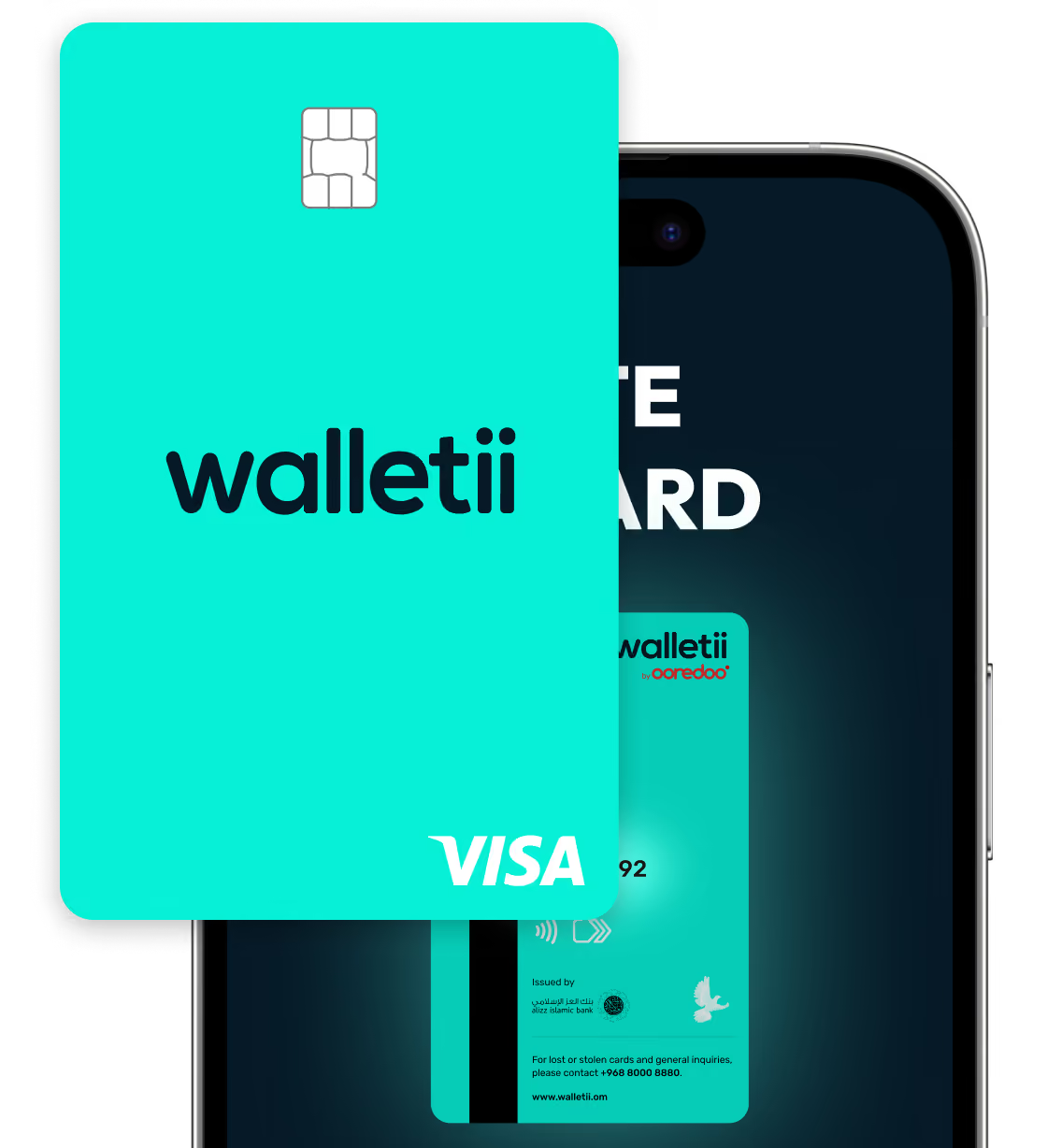
Turquoise walletii Visa card with chip partially obscuring a phone screen.

Why use your walletii card every day?

Because it’s not just a card – it’s a smarter way to pay!

Global

Accepted wherever VISA is

In Oman or abroad.

Shop

Pay in shops or online

Simple, secure, everyday payments.

Shield Check

In your control and extra secure

Freeze, set limits, and view CVV and card number safely in the app.

Sale

Free for all walletii users

No hidden fees. No surprises.

Card

Always ready to use

Your card draws directly from your walletii balance. No top-ups needed.

Walletii Icon

All in one app

Activate your card, track spending, and update settings easily.

Lets get started!

Follow these simple steps to activate your card and start spending.

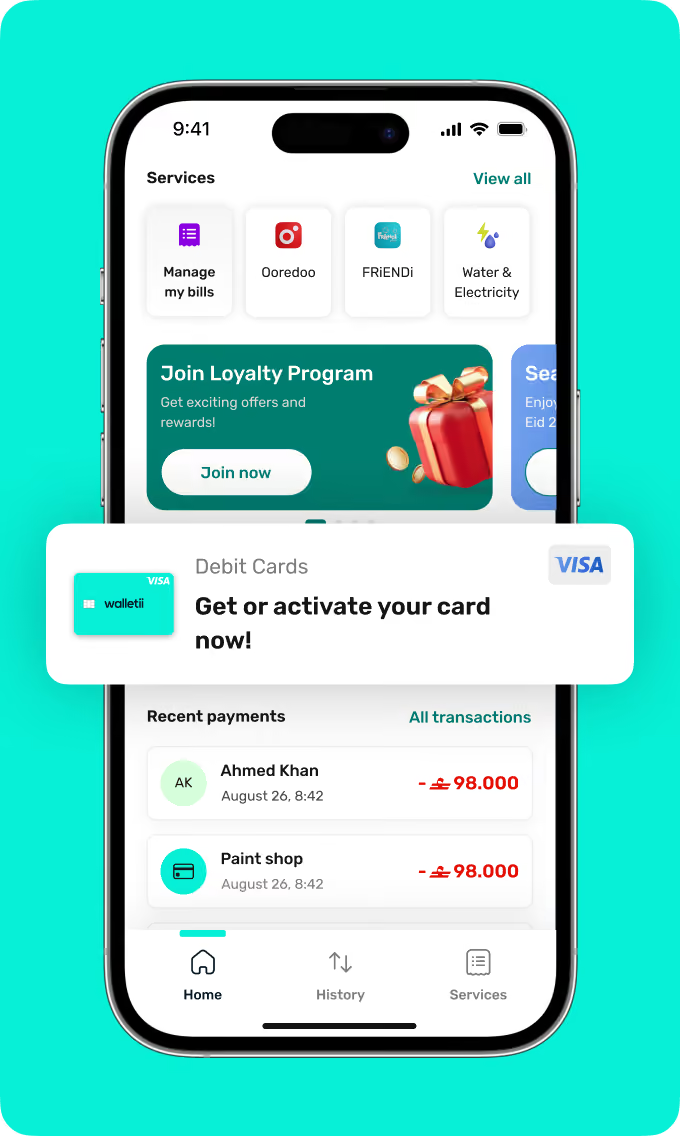
1. Find the card section on your dashboard

Tap on the “Debit Cards” section from your walletii dashboard to get started.
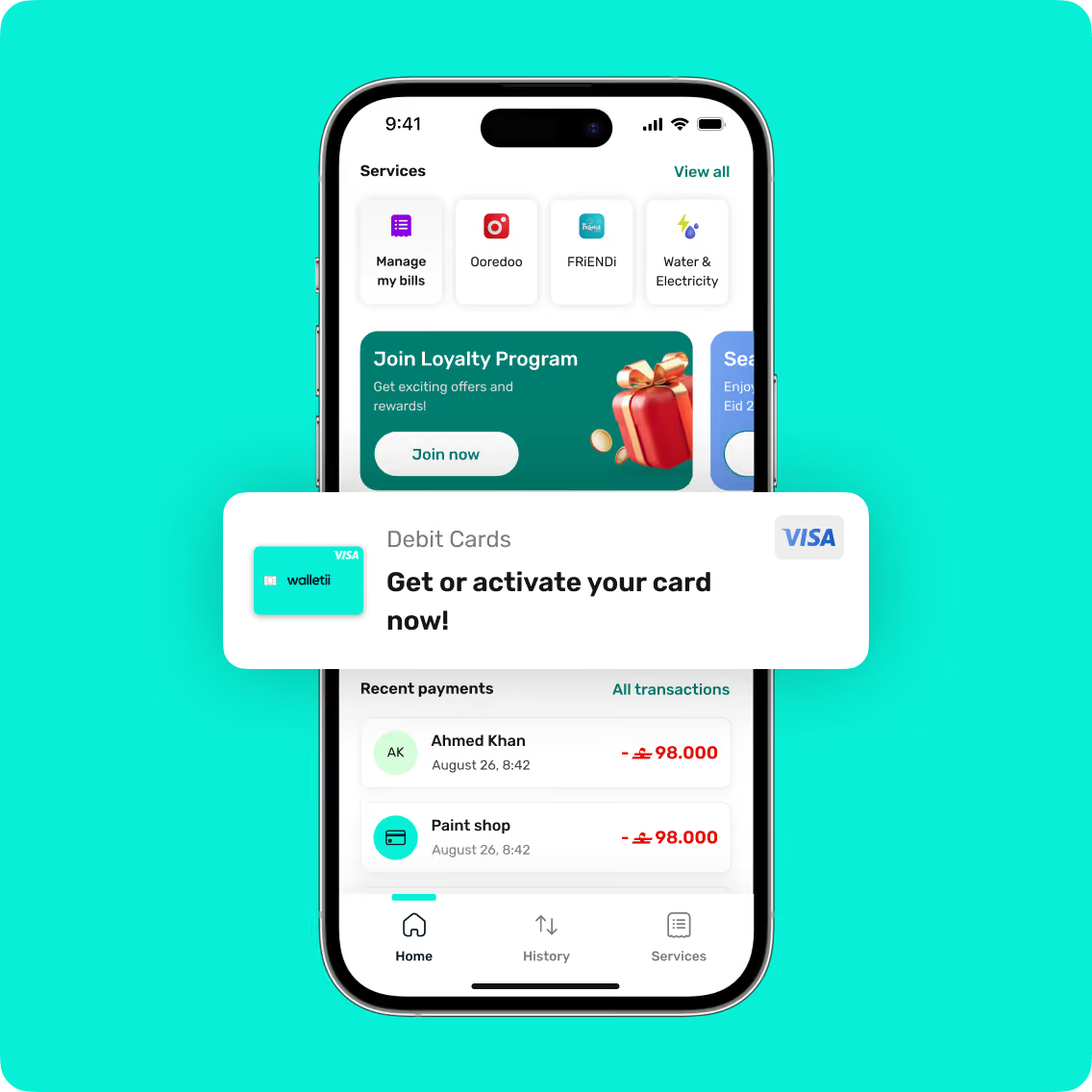
Mobile screen showing app to manage bills, join loyalty program, and activate debit card with recent payments listed.Mobile app screen showing services, loyalty program ad, debit card activation, and recent payments.
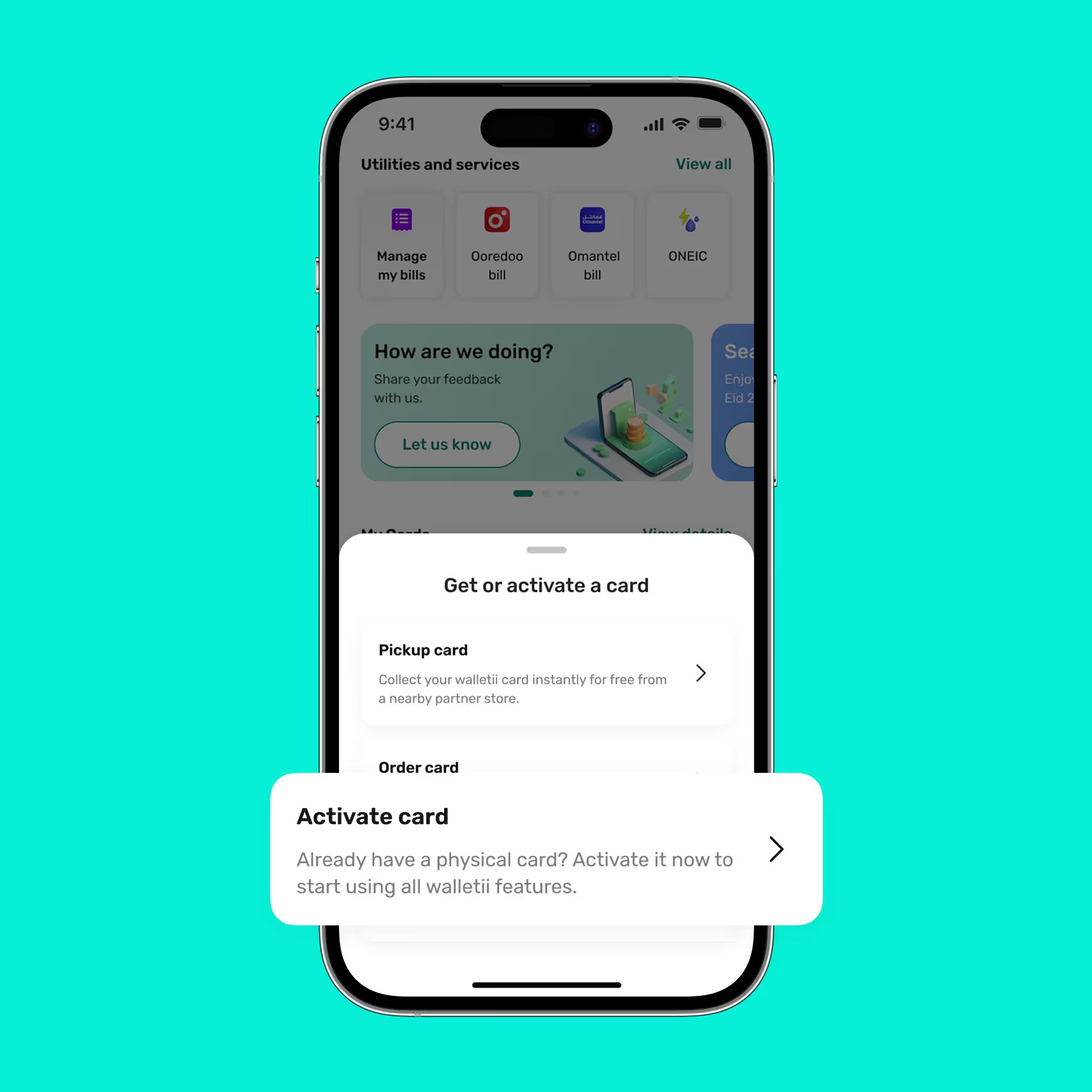
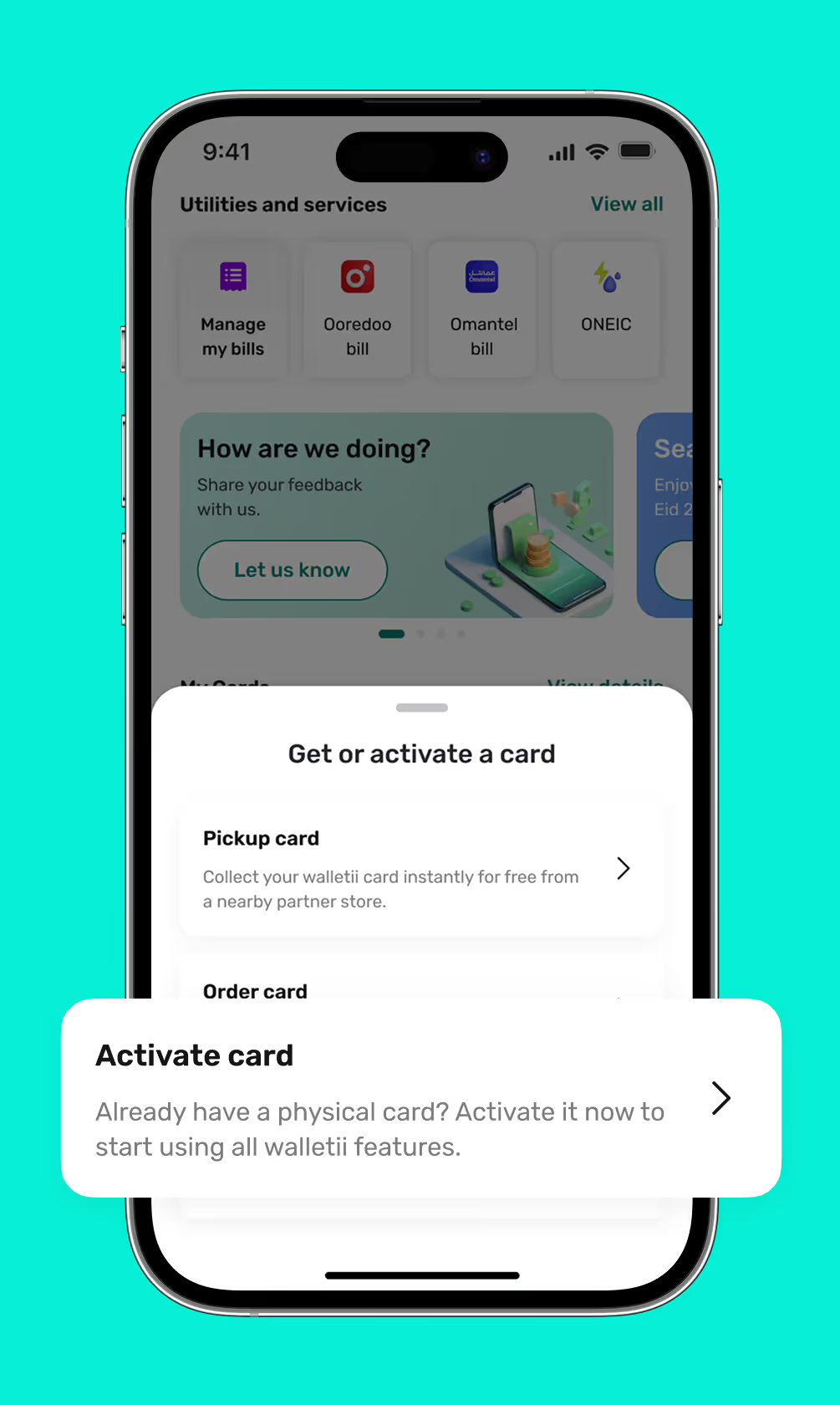
Smartphone screen showing a financial app with a popup to get or activate a card, offering options to pickup or activate a physical card.Mobile screen showing a walletii app interface with options to manage bills and activate or get a walletii card.

2. Select “Activate card”

Already have a card? Choose “Activate card” to unlock all your walletii card features.

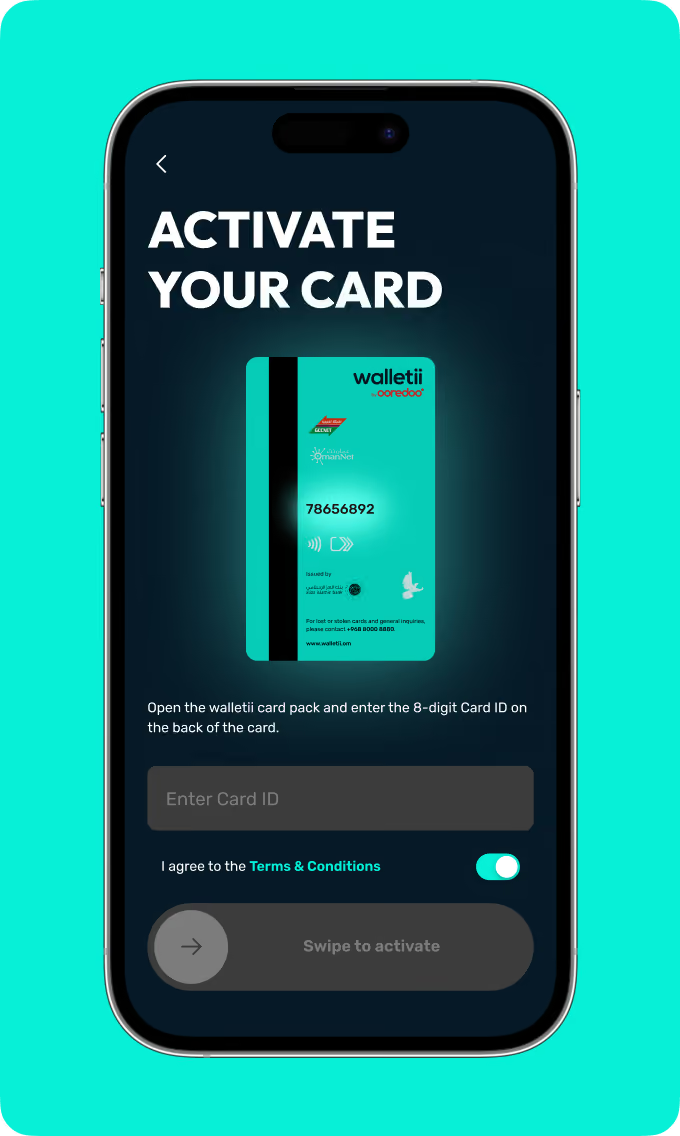
3. Enter your card ID

Open your walletii card pack and enter the 8-digit Card ID shown on the back of your card.
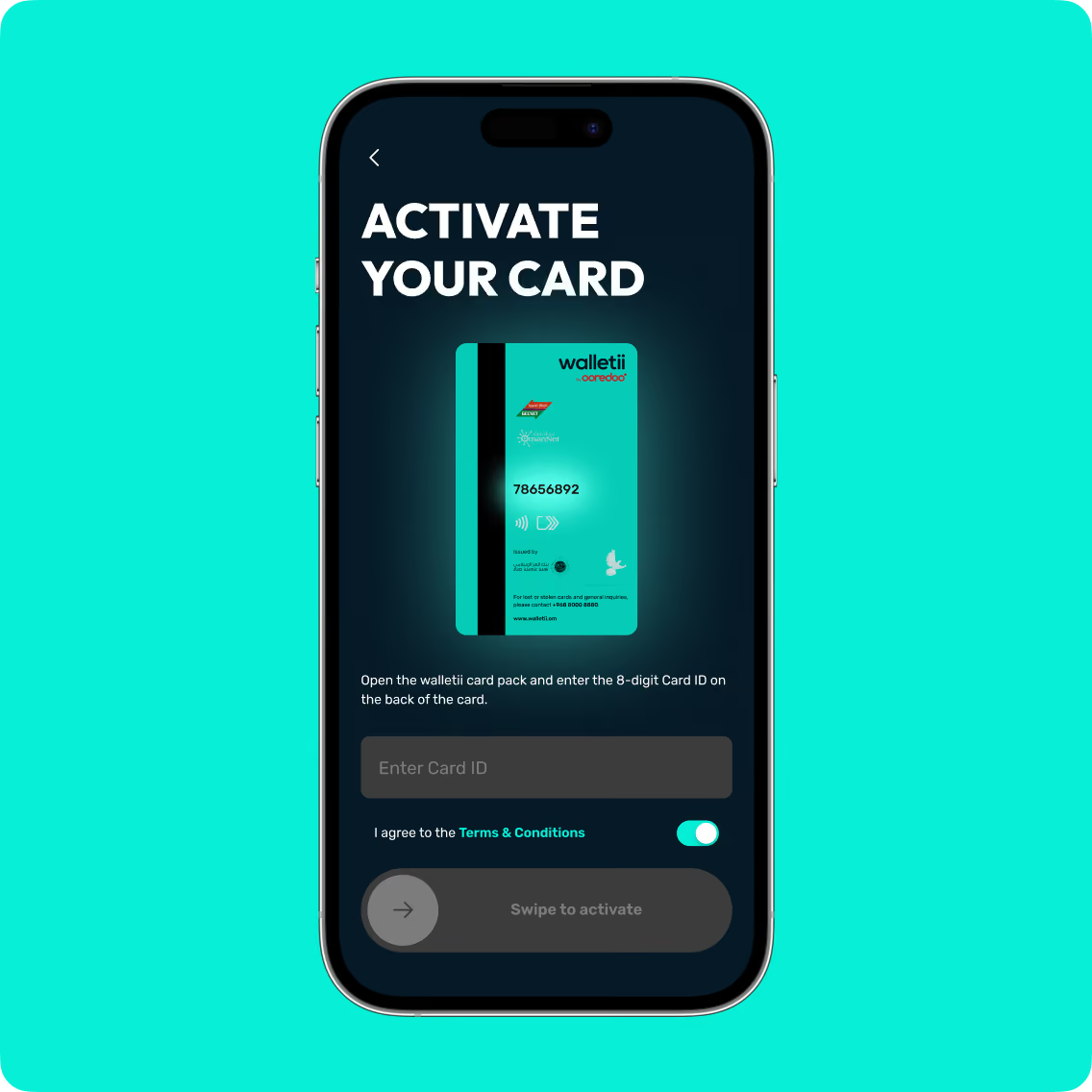
Phone screen showing Walletii card activation with input for 8-digit card ID and terms acceptance toggle.Smartphone screen showing walletii card activation with Card ID entry and terms agreement toggle.
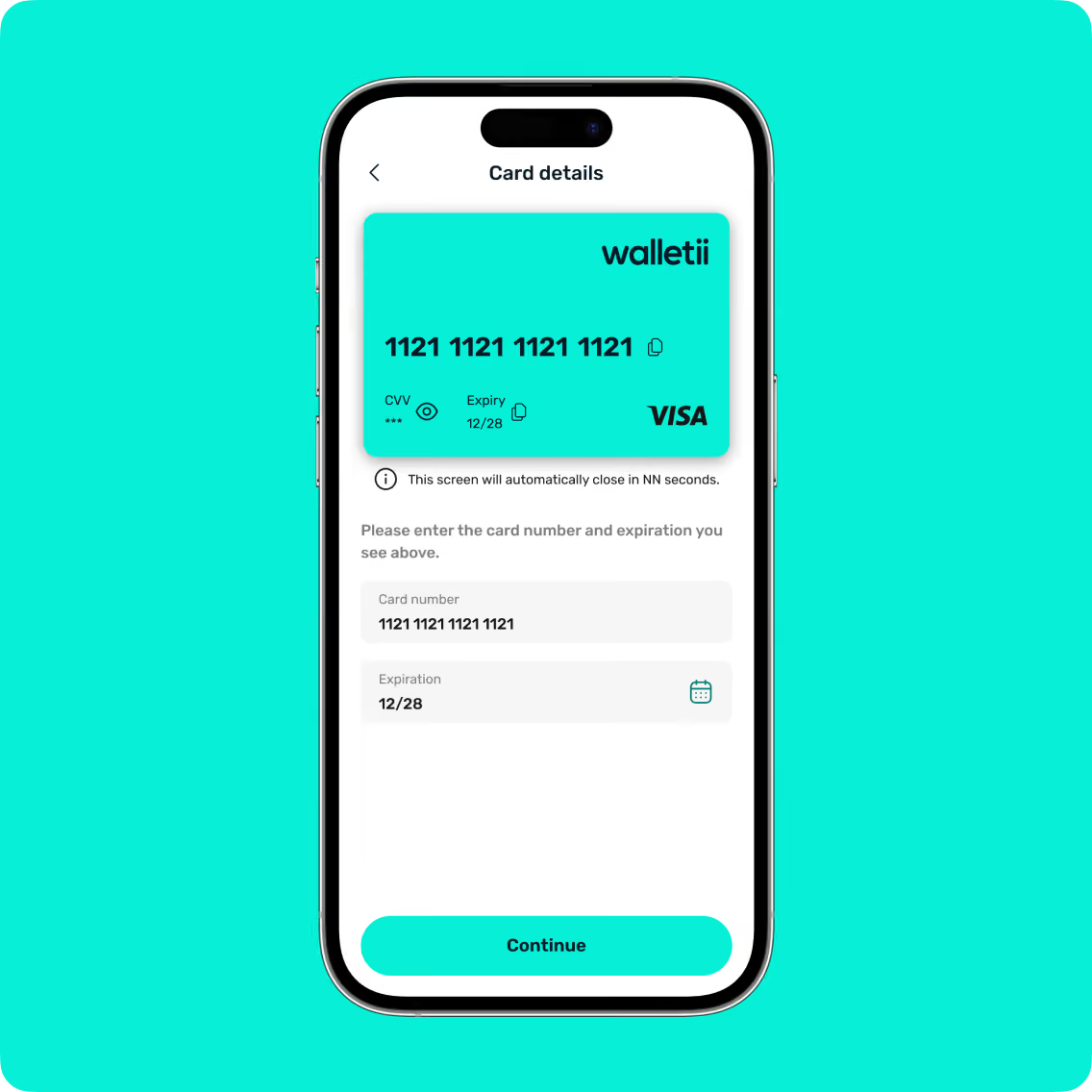
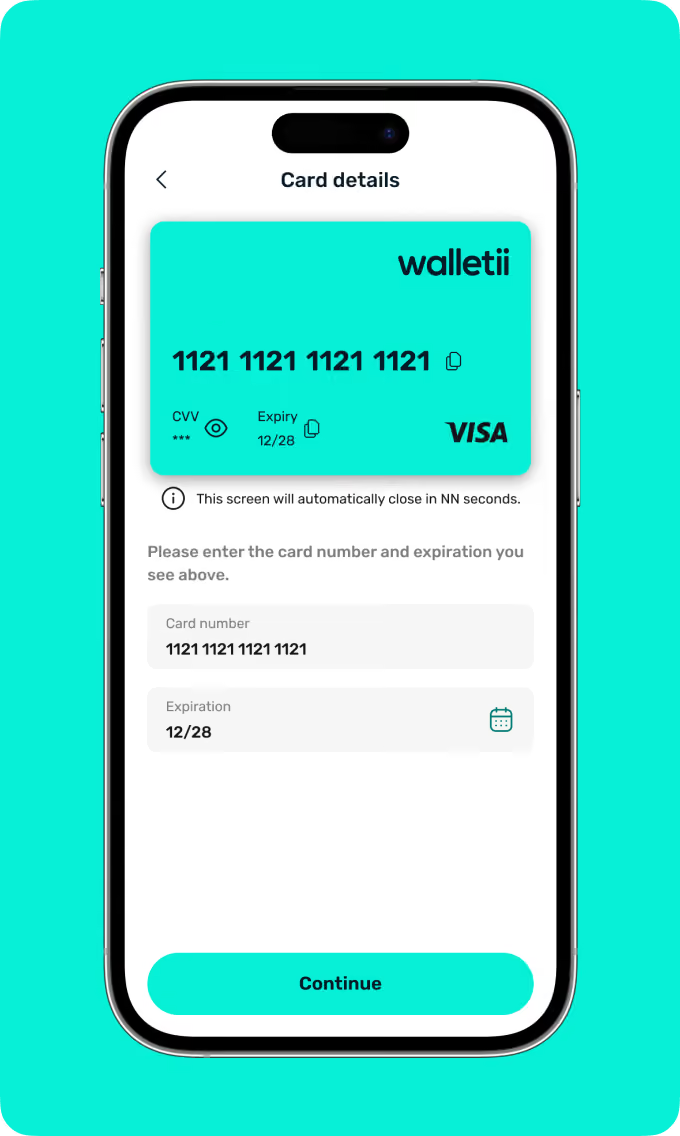
Smartphone screen showing card details with card number 1121 repeated and expiry 12/28 for VISA walletii.Mobile screen displaying card details with card number, expiration date entry, and a continue button.

4. Enter your card details

Enter your card number and expiry date as displayed on your walletii card.

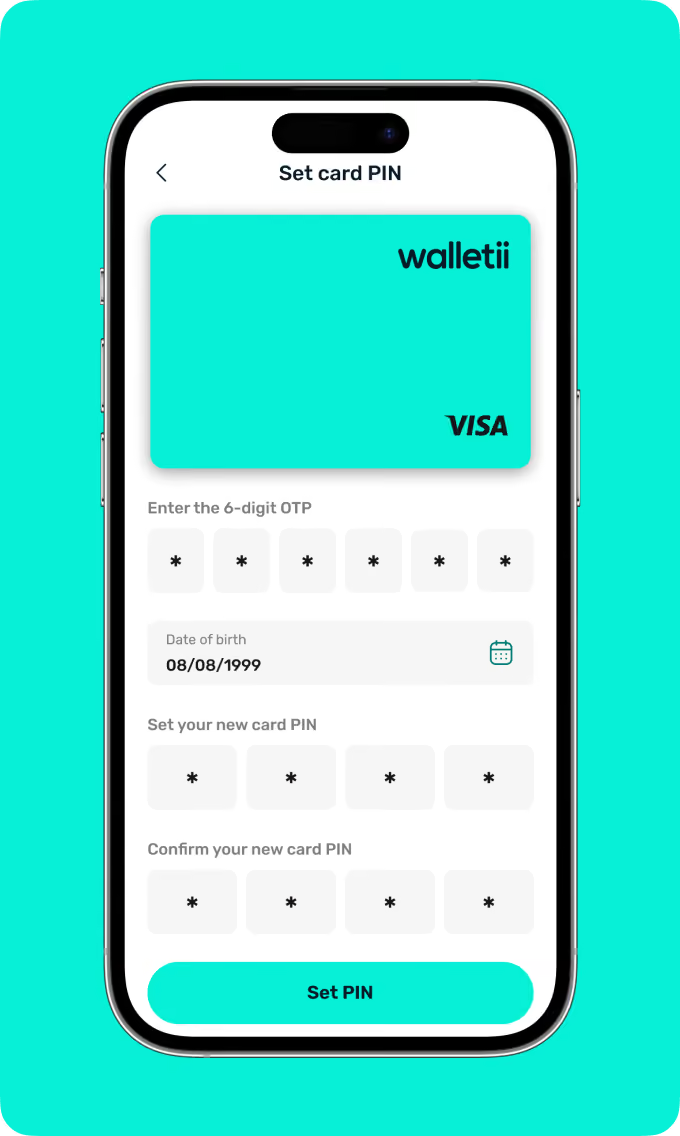
5. Set your card PIN

Create your 4-digit card PIN and confirm it to complete the activation process securely.
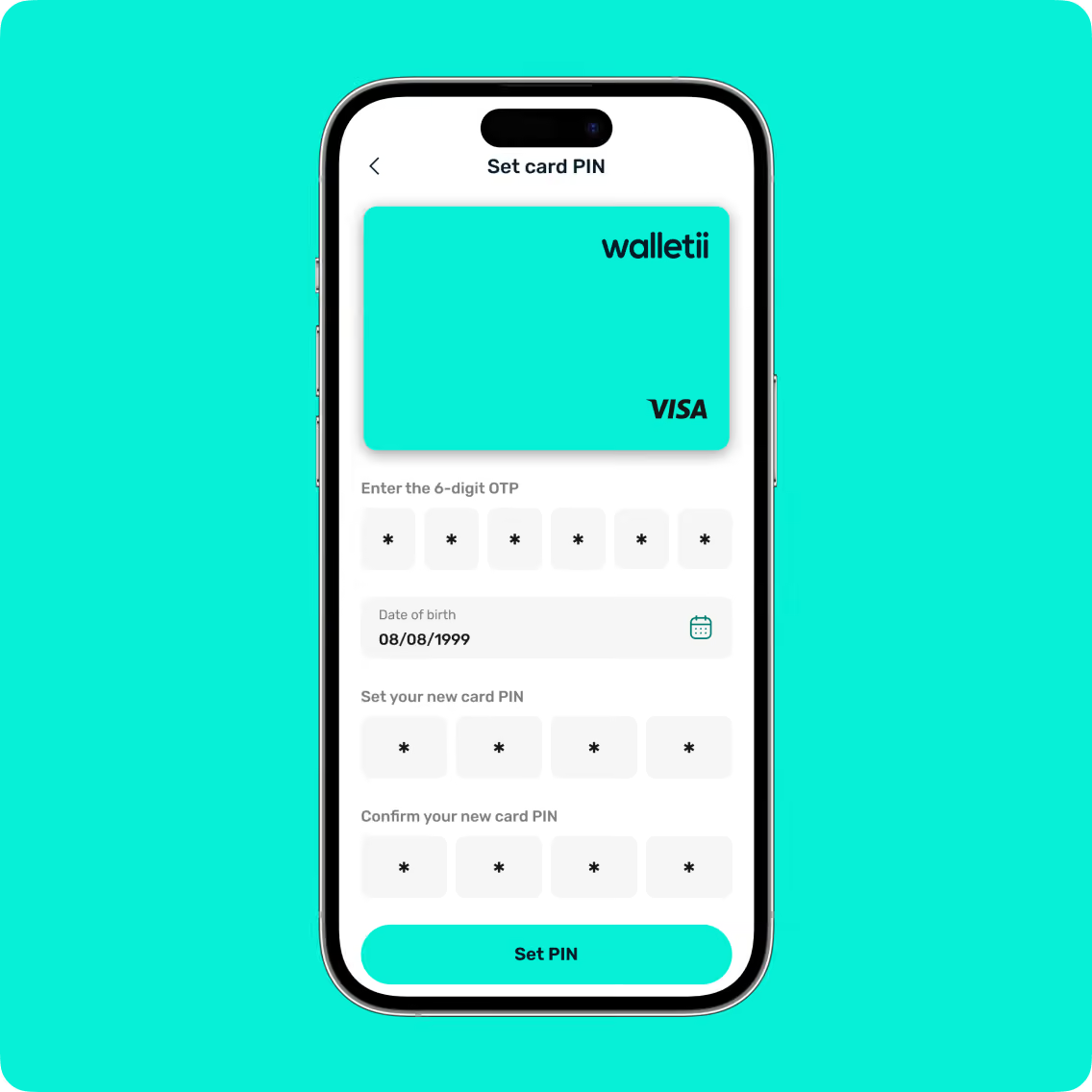
Smartphone screen showing Walletii app interface to set a new 4-digit card PIN with OTP verification.Smartphone screen showing a Walletii Visa card with fields to enter OTP, date of birth, and set and confirm a new PIN.
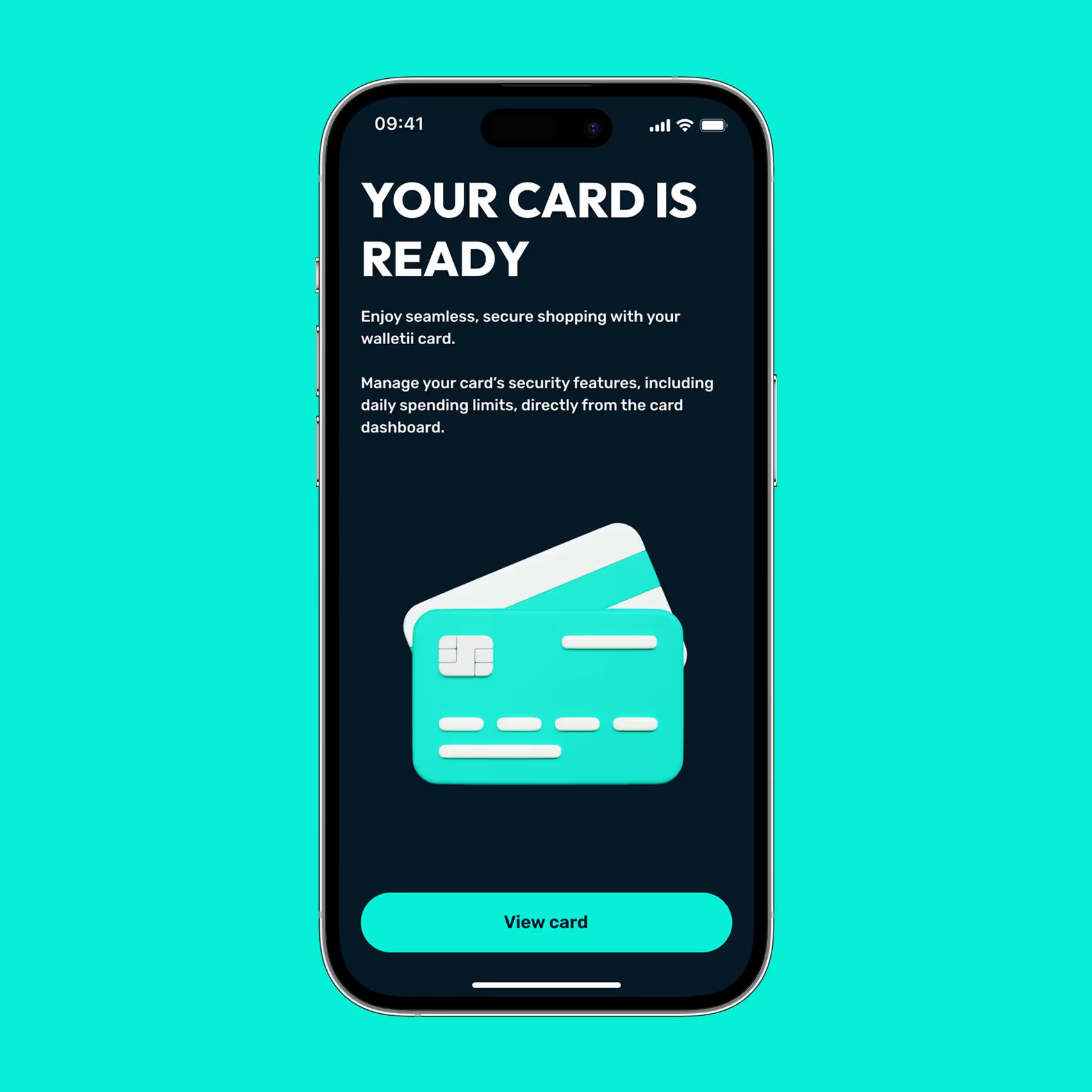
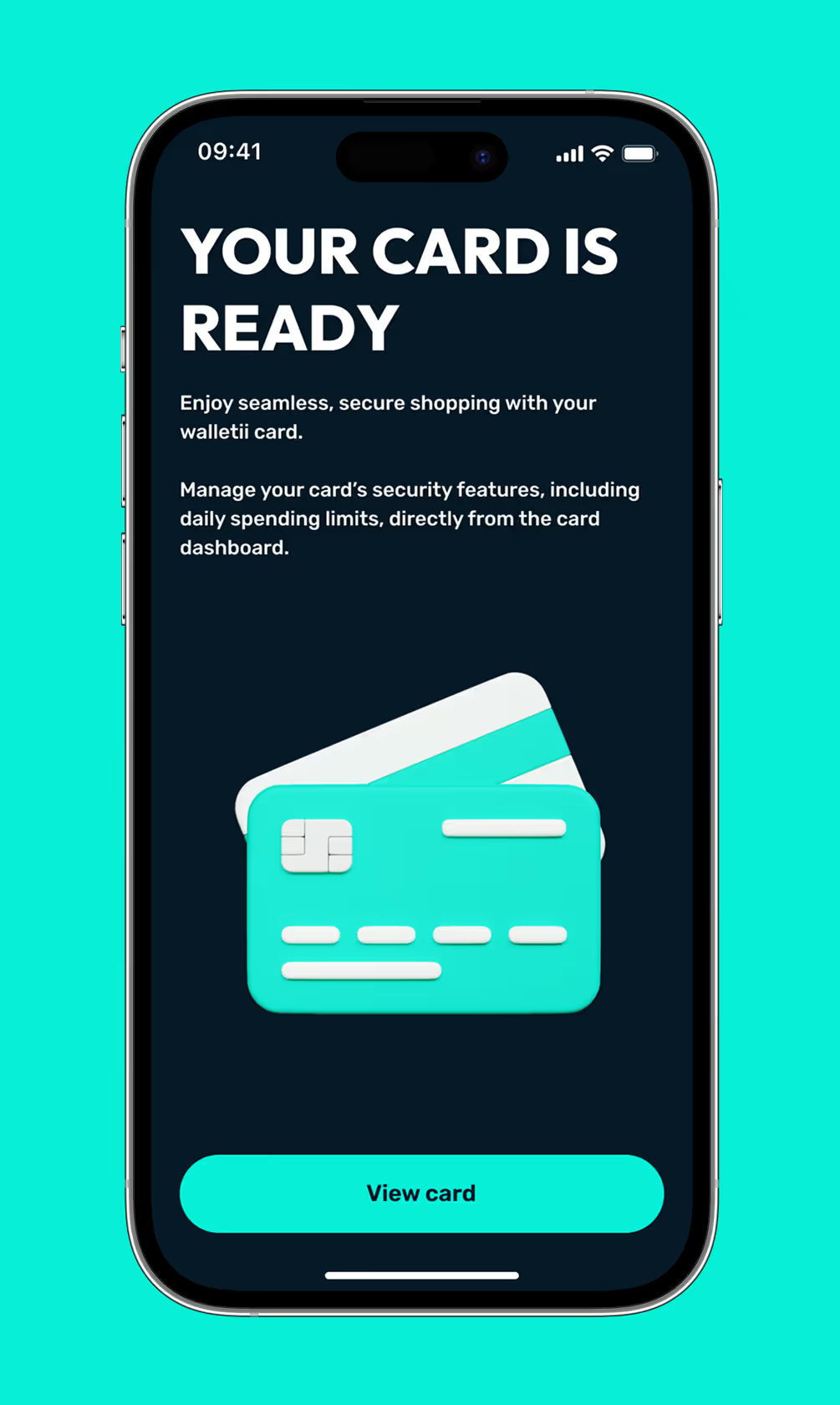
Smartphone screen showing a message saying your card is ready with an illustration of two credit cards and a 'View card' button.Smartphone screen showing message 'Your card is ready' with instructions to manage card security and a button labeled 'View card'.

Done! You are all set

Your walletii card is ready to use. Tap “View card” to see details and manage settings.

A quick note

You’re part of our exclusive Friends & Family group — one of the first to try the walletii card!

Use it just like any other card: shop, pay, and explore how it works in everyday life.

The full launch is coming soon, and you’ll be among the first to receive the official version when it’s released.

Thanks for being part of our journey — and helping us shape the future of walletii.
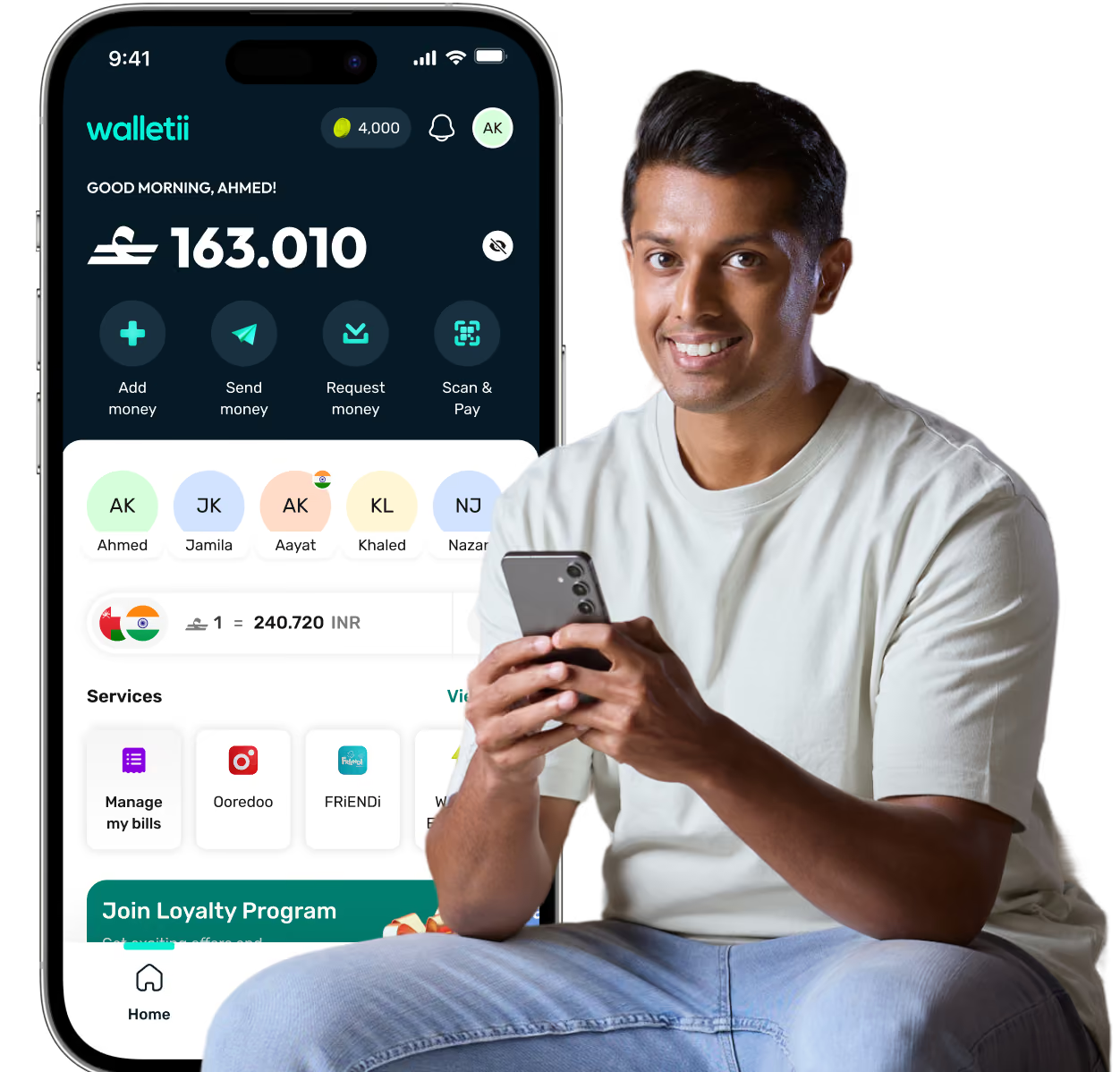
Man smiling while holding a phone sits next to a phone screen showing Walletii app balance and money transfer options.