Smart. Fast. Secure.

Got your walletii 
card? Let’s bring it to life!

You're just a tap away from making everyday payments easily and securely.
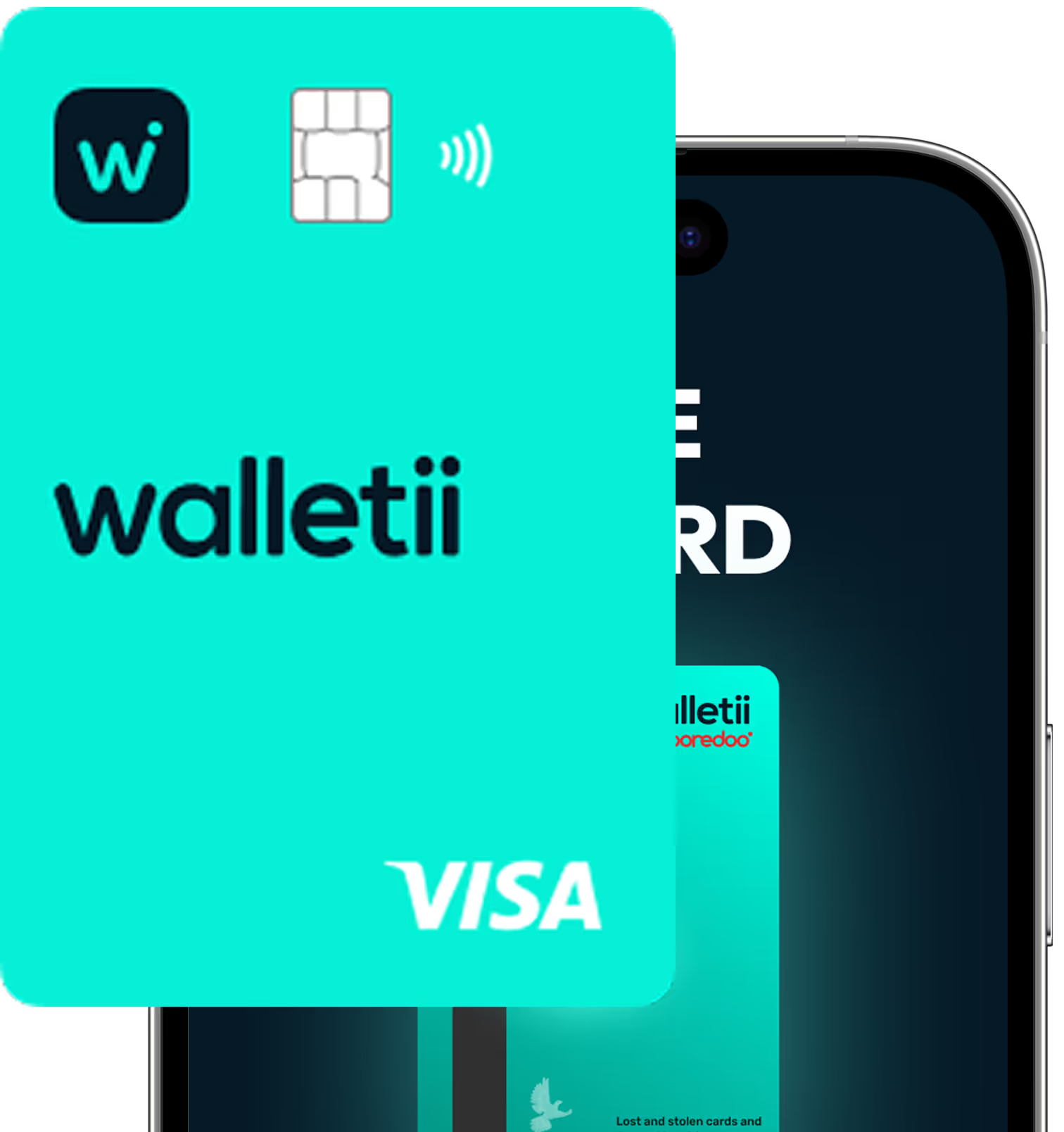
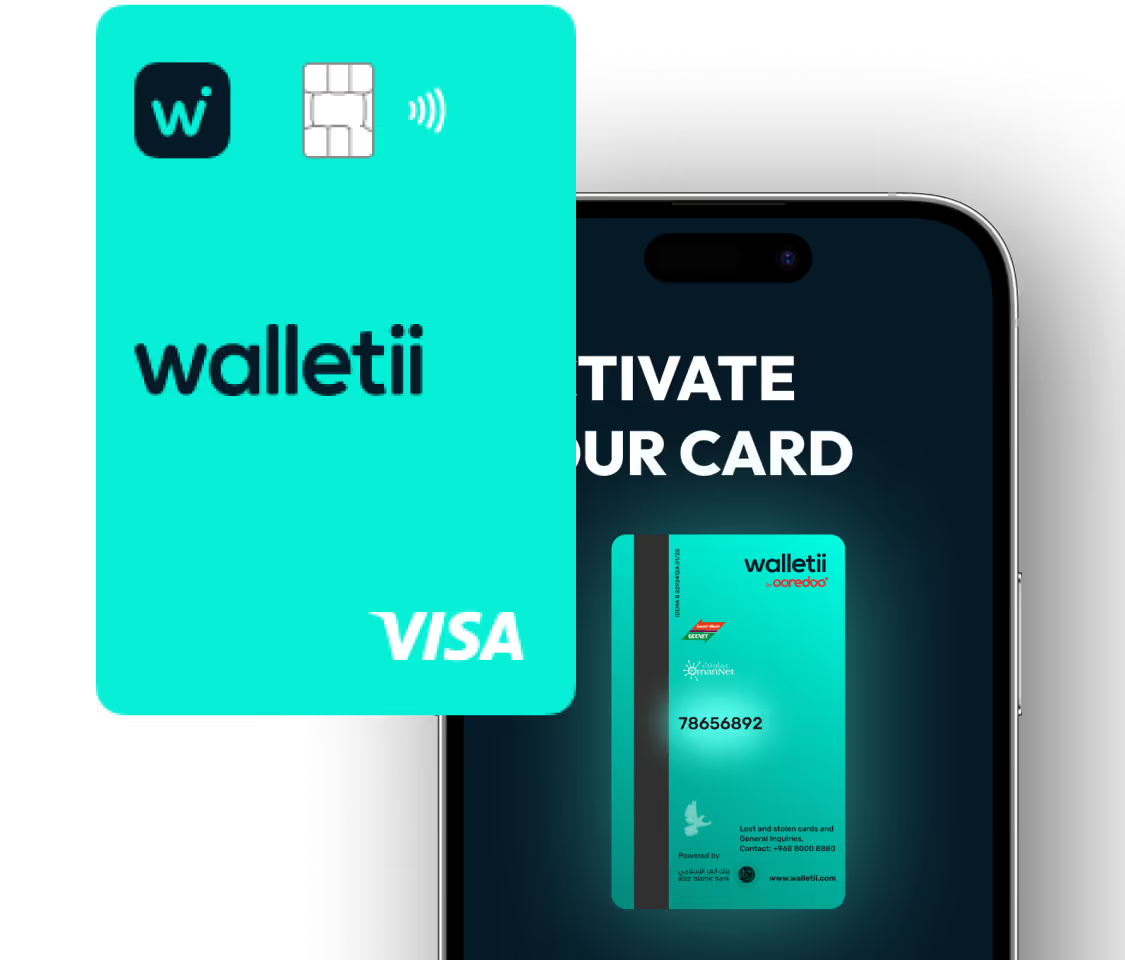
Teal Walletii Visa card with chip and contactless payment symbol over a partially visible smartphone screen.Bright turquoise Walletii Visa card with chip and contactless symbol, displayed in front of a smartphone screen showing card activation instructions.

Why use your walletii card every day?

Because it’s not just a card – it’s a smarter way to pay!

Global

Accepted wherever VISA is

In Oman or abroad.

Shop

Pay in shops or online

Simple, secure, everyday payments.

Shield Check

In your control and extra secure

Freeze, set limits, and view CVV and card number safely in the app.

Sale

Free for all walletii users

No hidden fees. No surprises.

Card

Always ready to use

Your card draws directly from your walletii balance. No top-ups needed.

Walletii Icon

All in one app

Activate your card, track spending, and update settings easily.

Lets get started!

Follow these simple steps to activate your card and start spending.

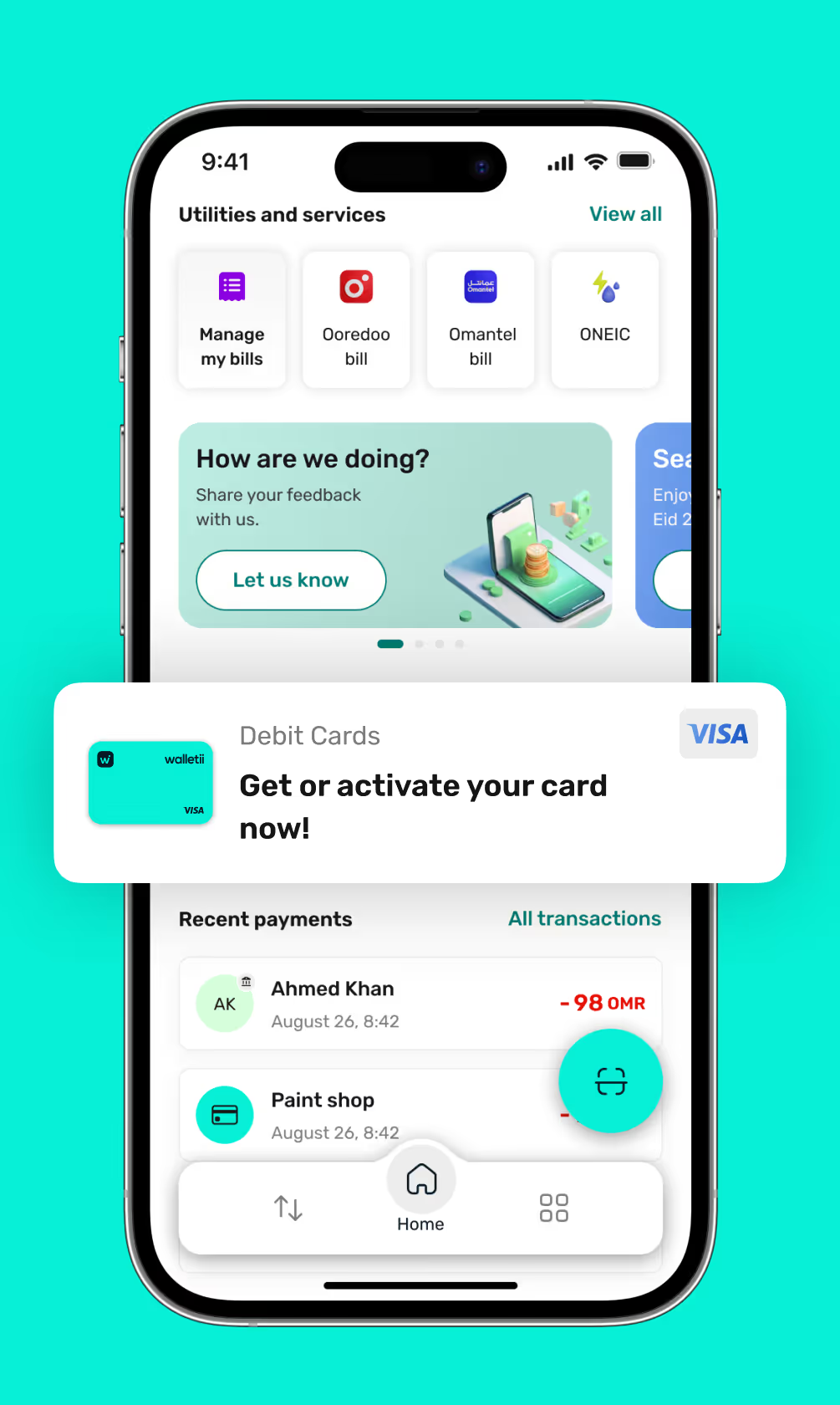
1. Find the card section on your dashboard

Tap on the “Debit Cards” section from your walletii dashboard to get started.
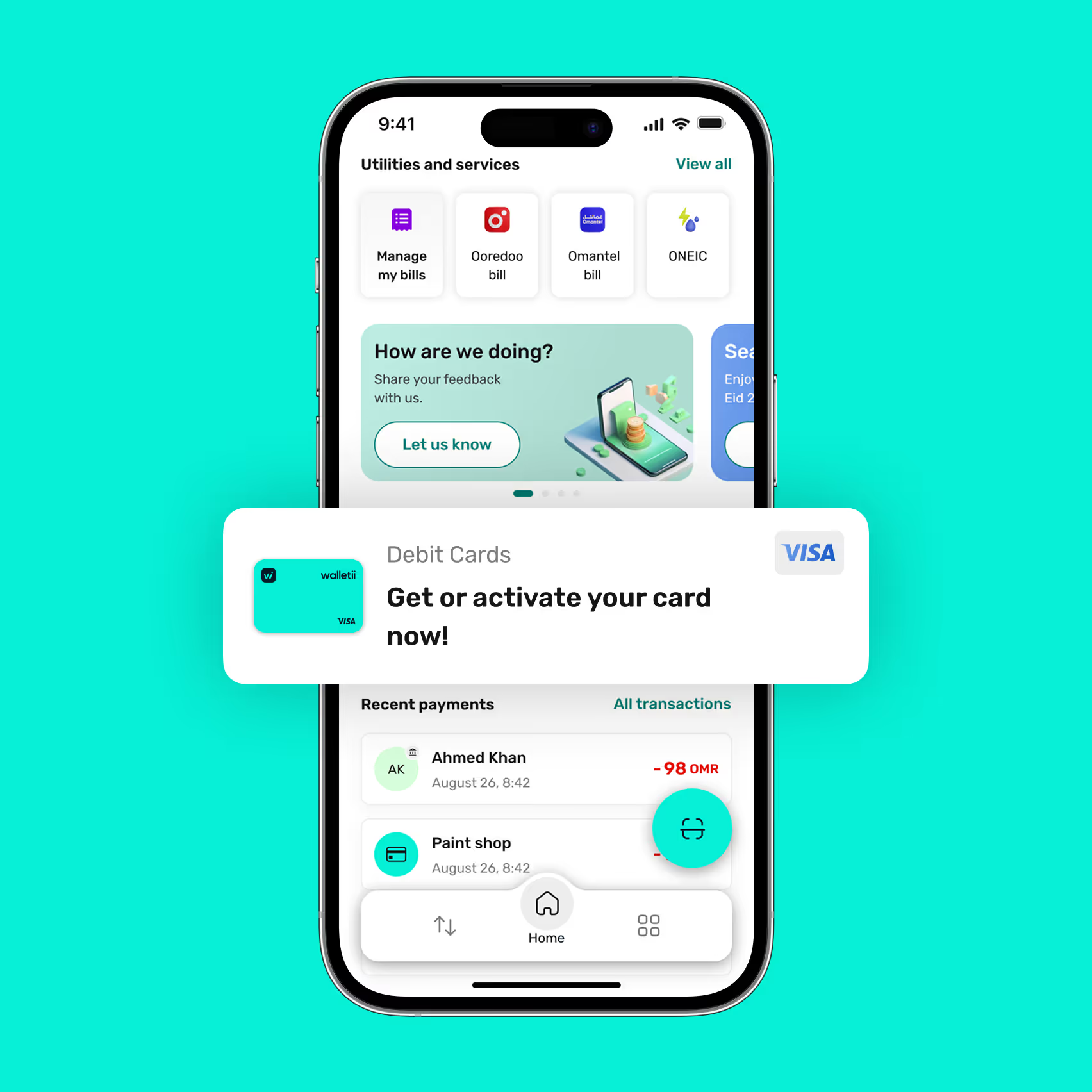
Mobile screen showing a financial app interface with utilities and services icons, a feedback prompt, recent payments list, and a highlighted card activation offer for a Visa debit card.Mobile banking app screen showing utilities and services with options to manage bills, a prompt to activate a debit Visa card, and recent payments to Ahmed Khan and Paint shop.
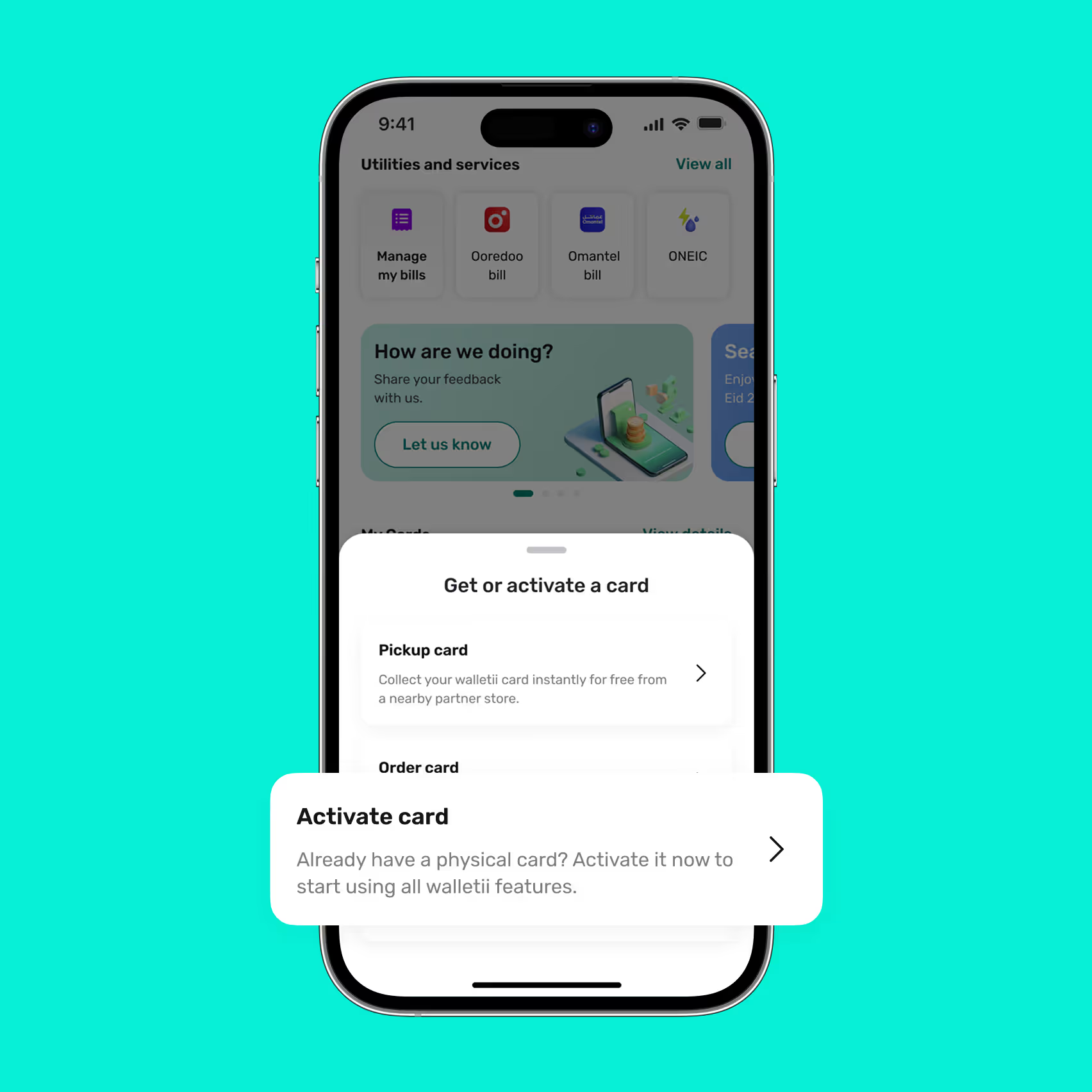
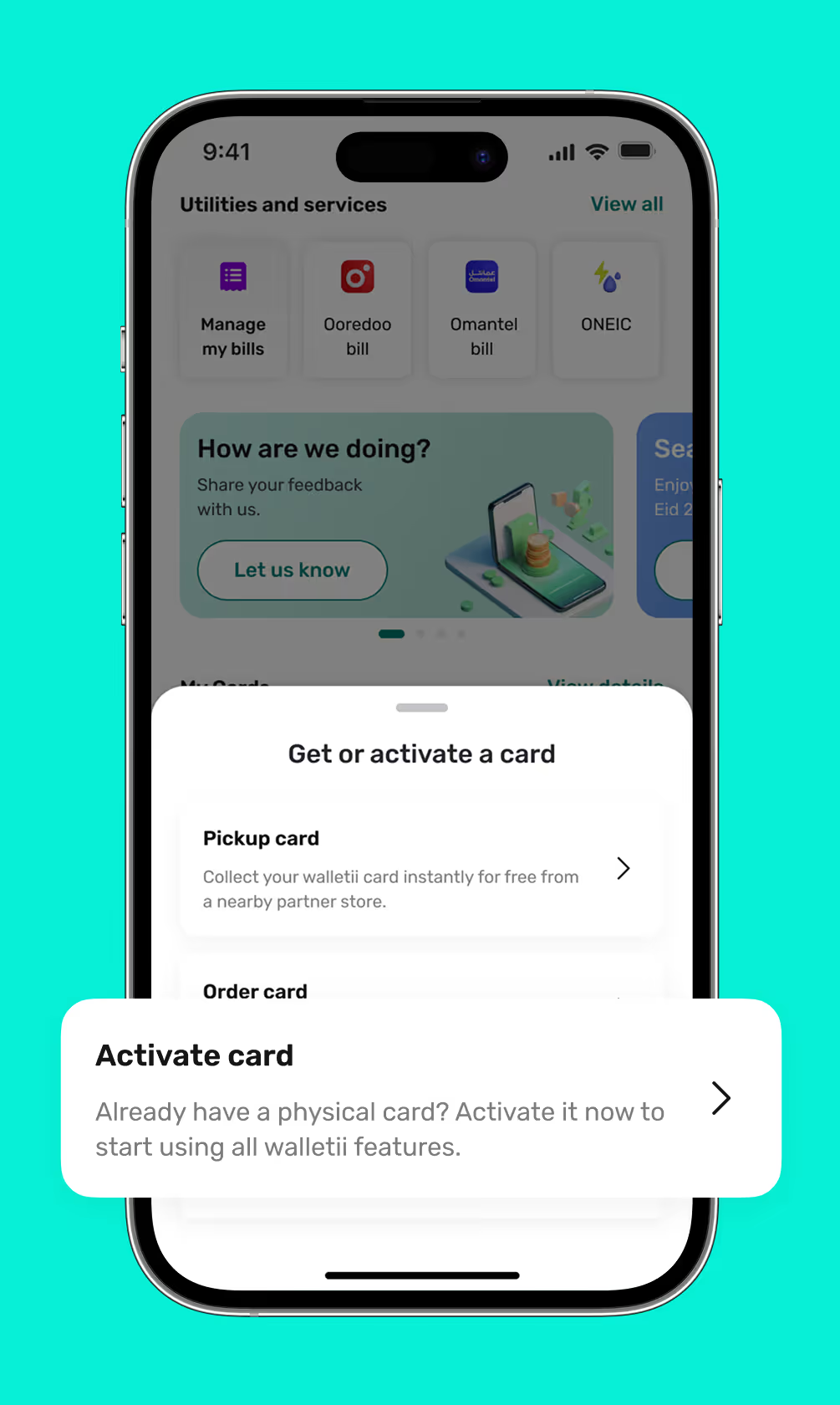
Smartphone screen showing a financial app with a popup to get or activate a card, offering options to pickup or activate a physical card.Mobile screen showing a walletii app interface with options to manage bills and activate or get a walletii card.

2. Select “Activate card”

Already have a card? Choose “Activate card” to unlock all your walletii card features.

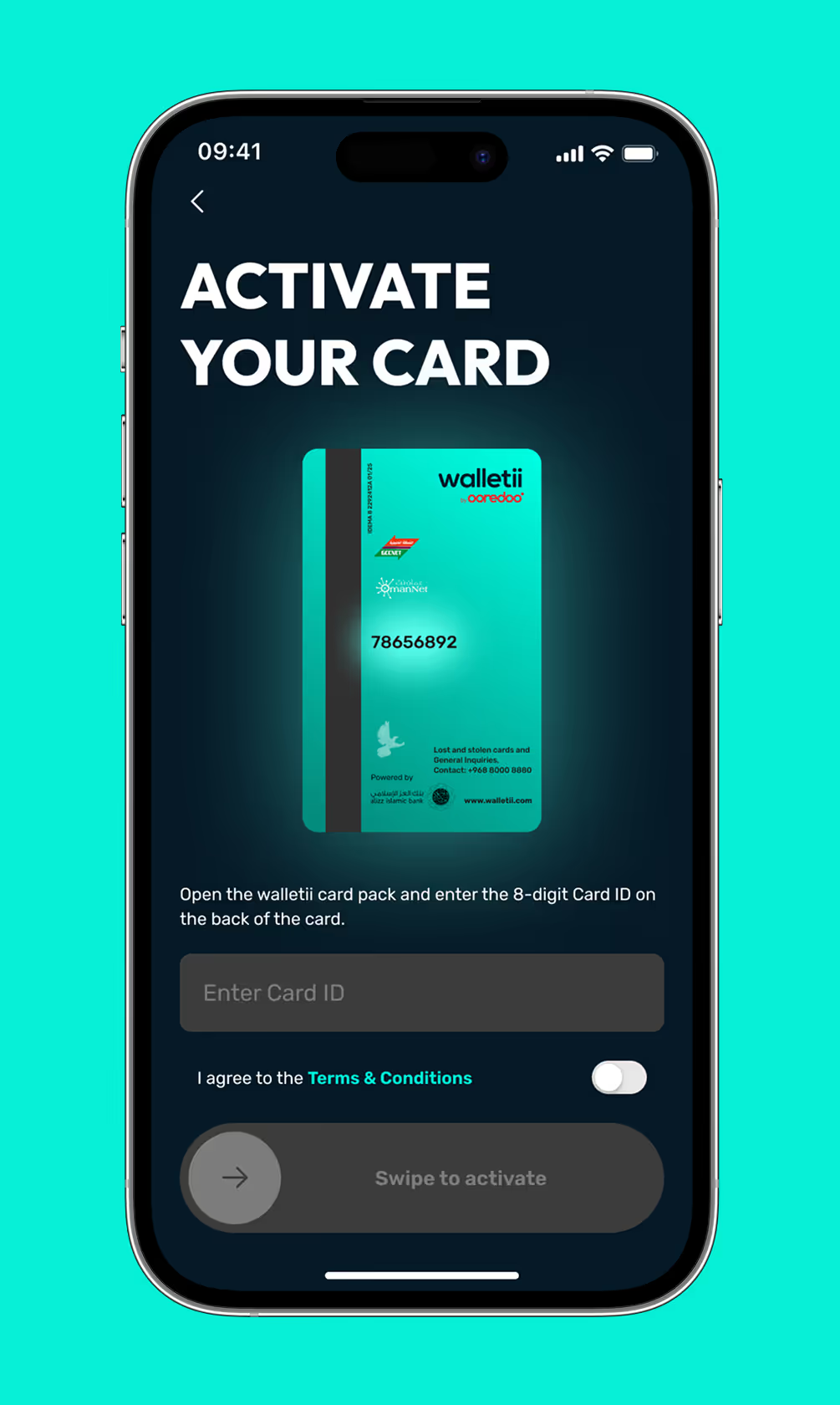
3. Enter your card ID

Open your walletii card pack and enter the 8-digit Card ID shown on the back of your card.
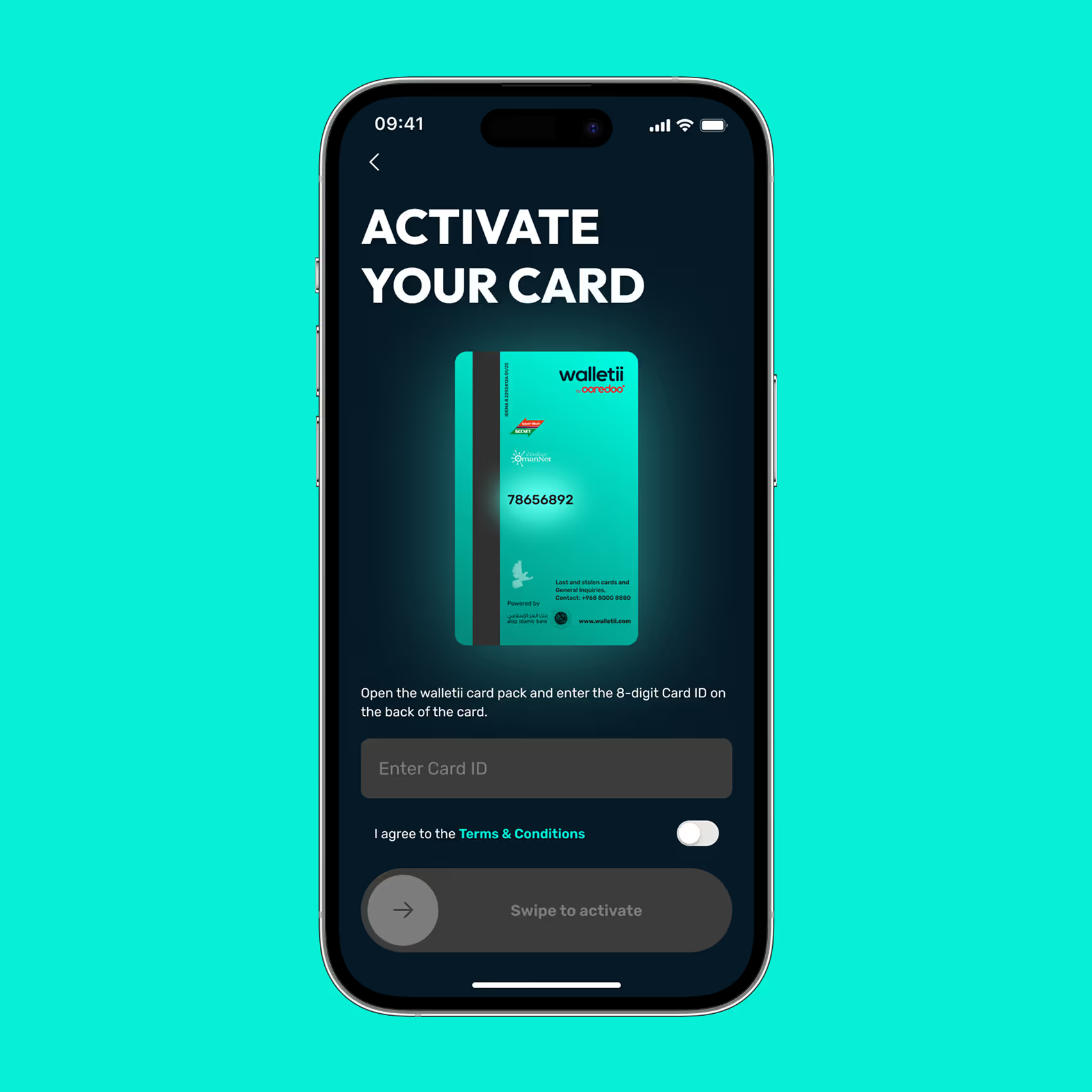
Mobile screen displaying a card activation interface instructing to enter an 8-digit Card ID from a walletii card and agree to terms before swiping to activate.Mobile screen showing 'Activate Your Card' prompt with an image of a walletii card and a field to enter an 8-digit Card ID, plus a toggle to agree to terms and a swipe button to activate.
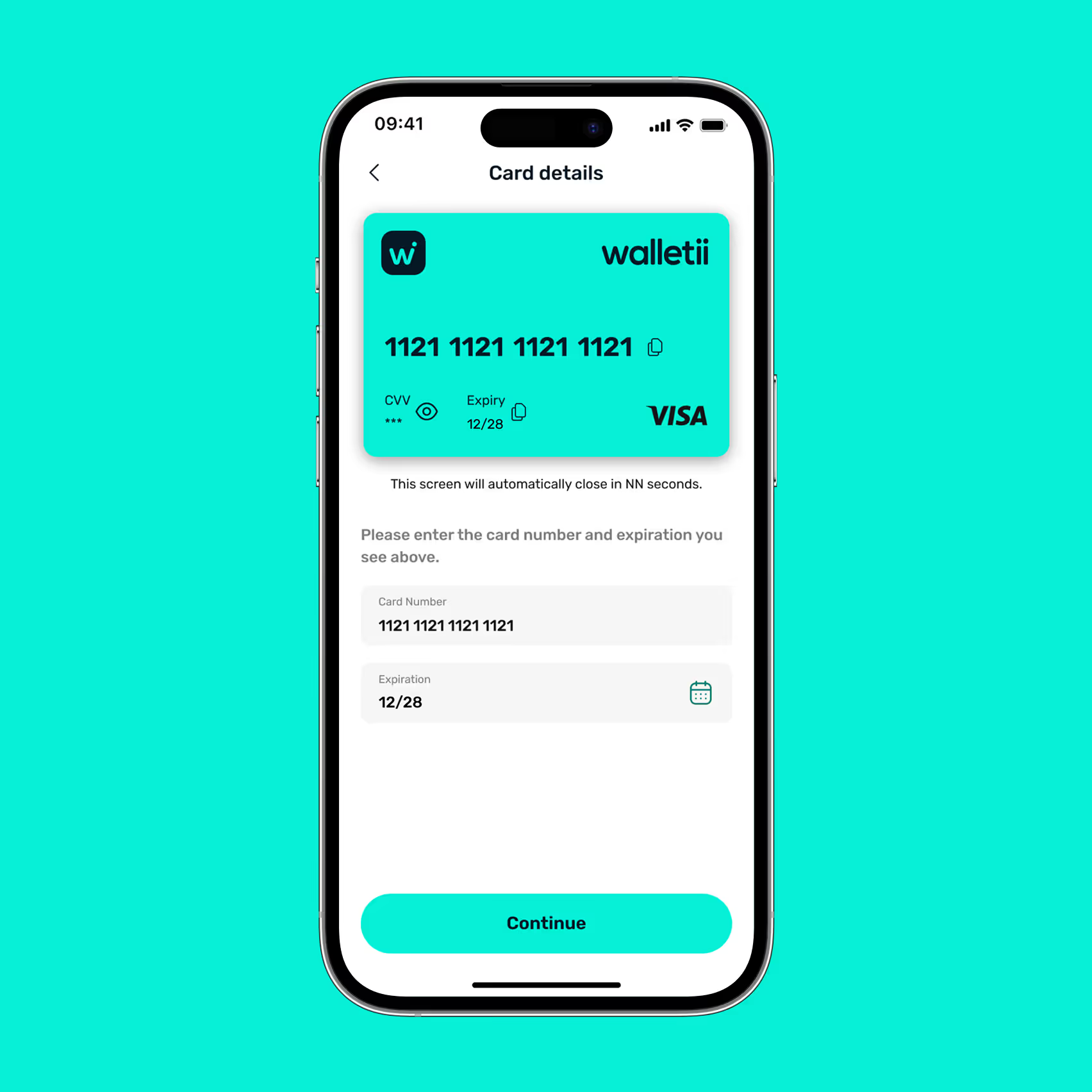
Mobile screen showing a teal Walletii Visa card with card number 1121 1121 1121 1121 and expiry date 12/28, with fields below to enter card number and expiration, and a continue button.Mobile screen showing a digital card with number 1121 1121 1121 1121, expiration 12/28, and input fields to enter card number and expiration date, with a Continue button below.

4. Enter your card details

Enter your card number and expiry date as displayed on your walletii card.

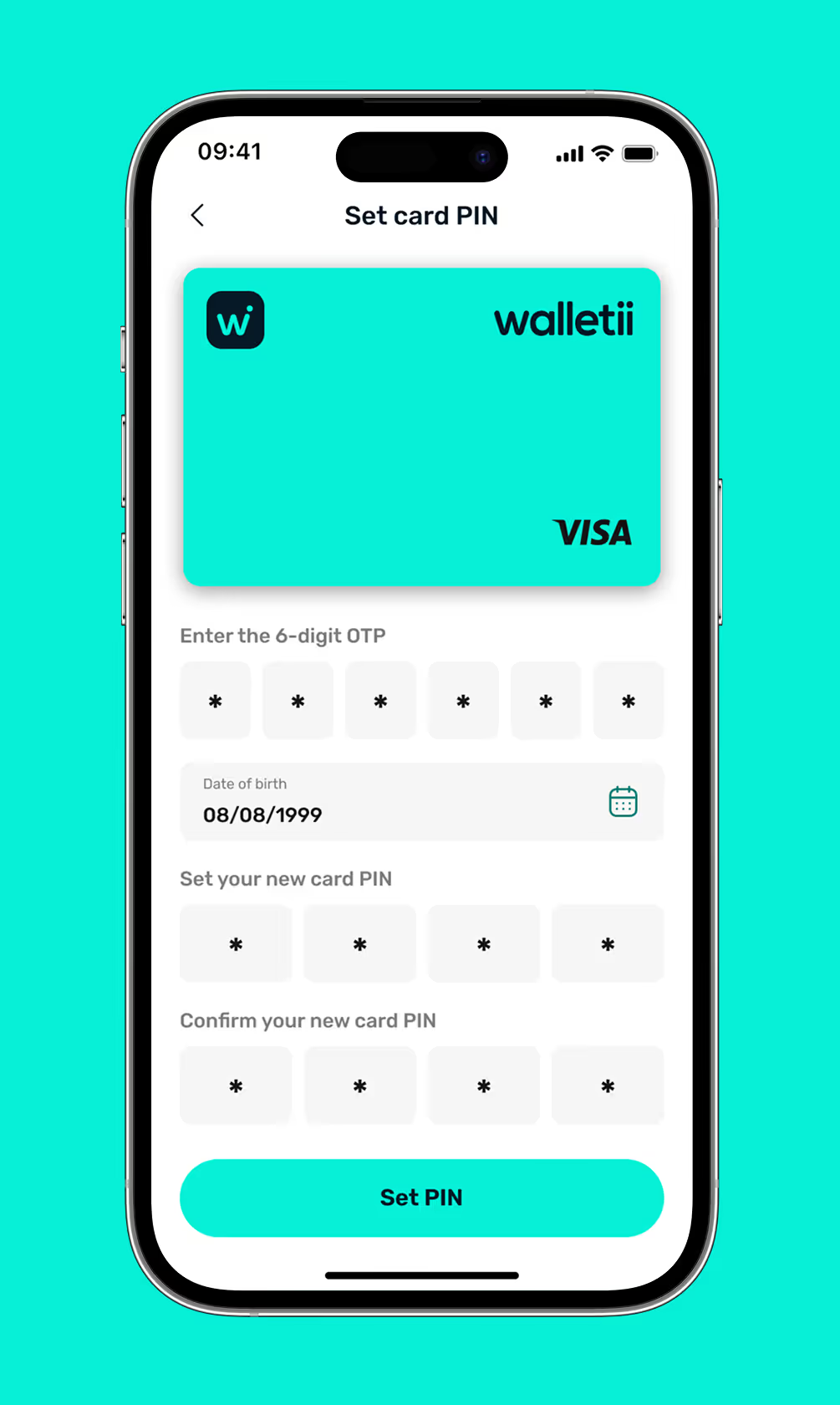
5. Set your card PIN

Create your 4-digit card PIN and confirm it to complete the activation process securely.
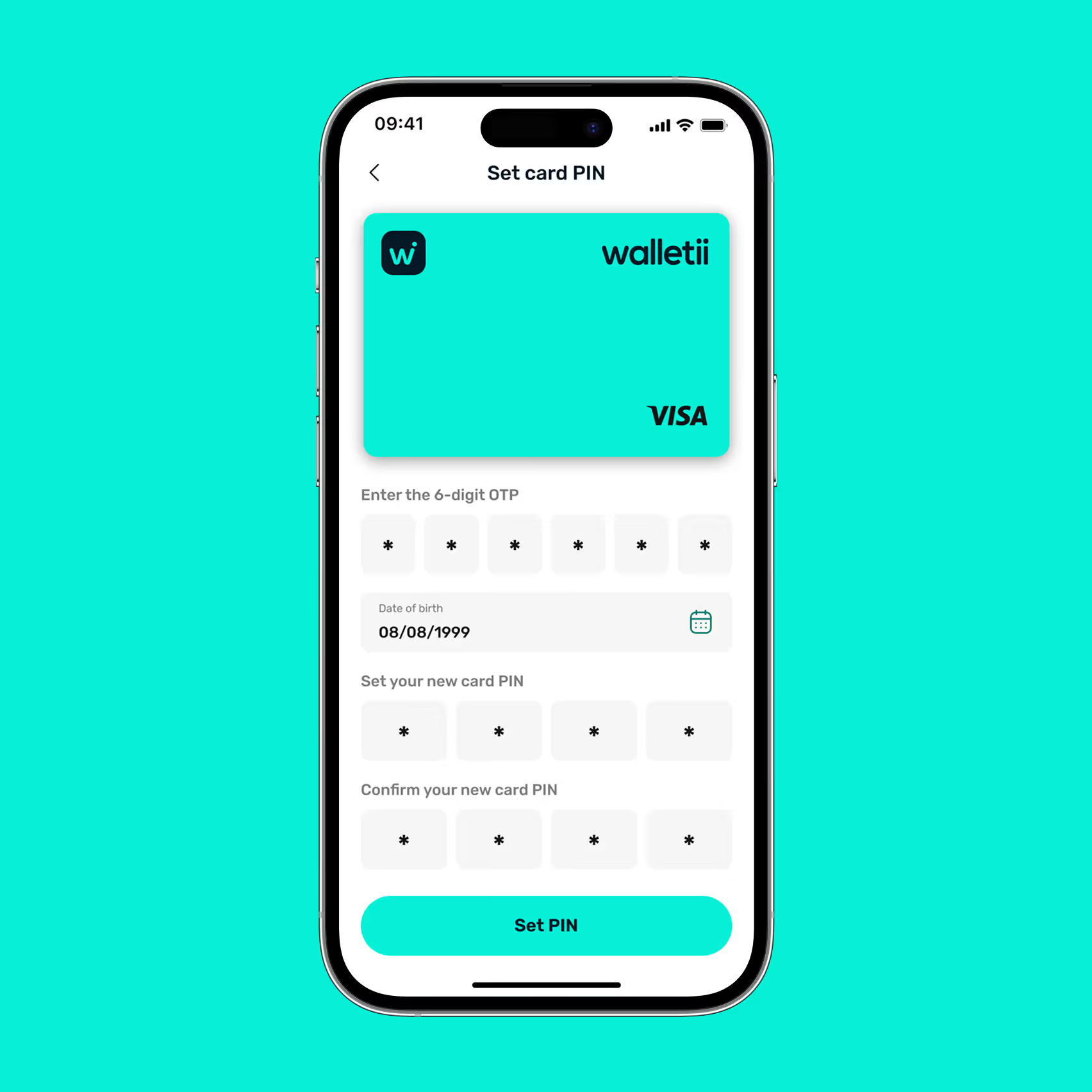
Mobile screen displaying an app interface to set card PIN for a Walletii Visa card with fields for 6-digit OTP, date of birth, new card PIN, confirm PIN, and a Set PIN button.Mobile screen showing Walletii app interface to set card PIN with fields for 6-digit OTP, date of birth, new card PIN, and confirm new card PIN, with a Set PIN button.
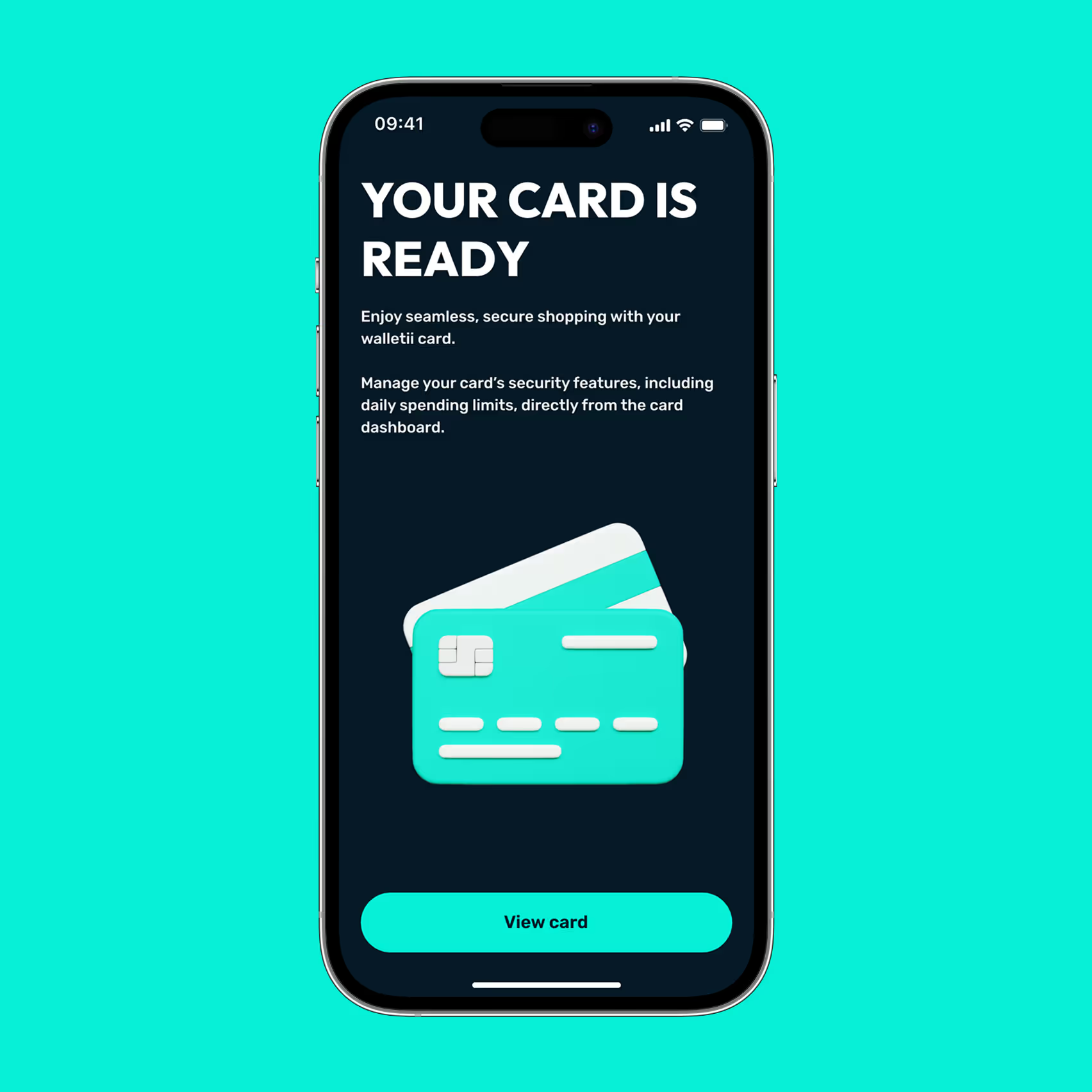
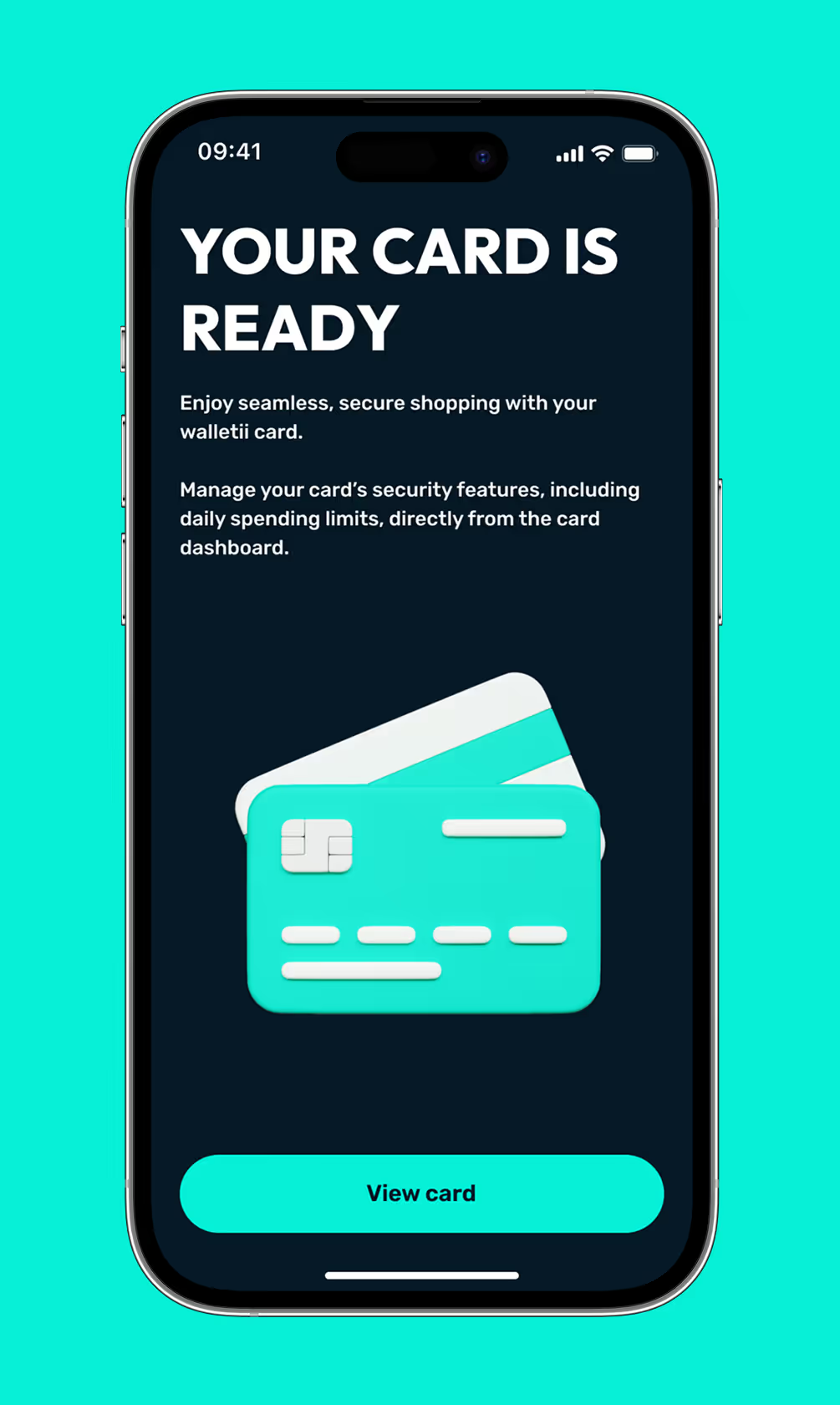
Smartphone screen showing a message saying your card is ready with an illustration of two credit cards and a 'View card' button.Smartphone screen showing message 'Your card is ready' with instructions to manage card security and a button labeled 'View card'.

Done! You are all set

Your walletii card is ready to use. Tap “View card” to see details and manage settings.

A quick note

You’re part of our exclusive Friends & Family group — one of the first to try the walletii card!

Use it just like any other card: shop, pay, and explore how it works in everyday life.

The full launch is coming soon, and you’ll be among the first to receive the official version when it’s released.

Thanks for being part of our journey — and helping us shape the future of walletii.
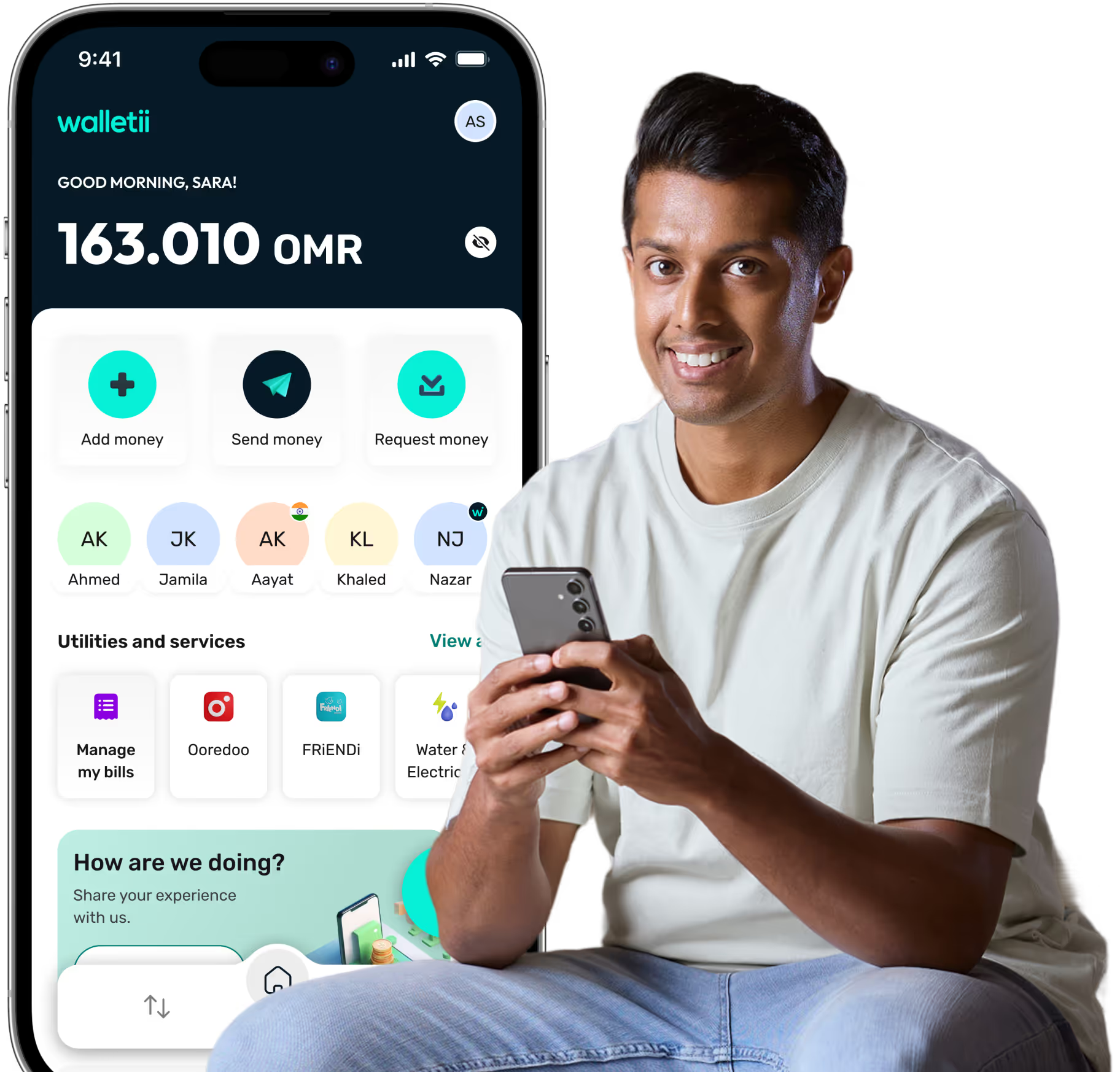
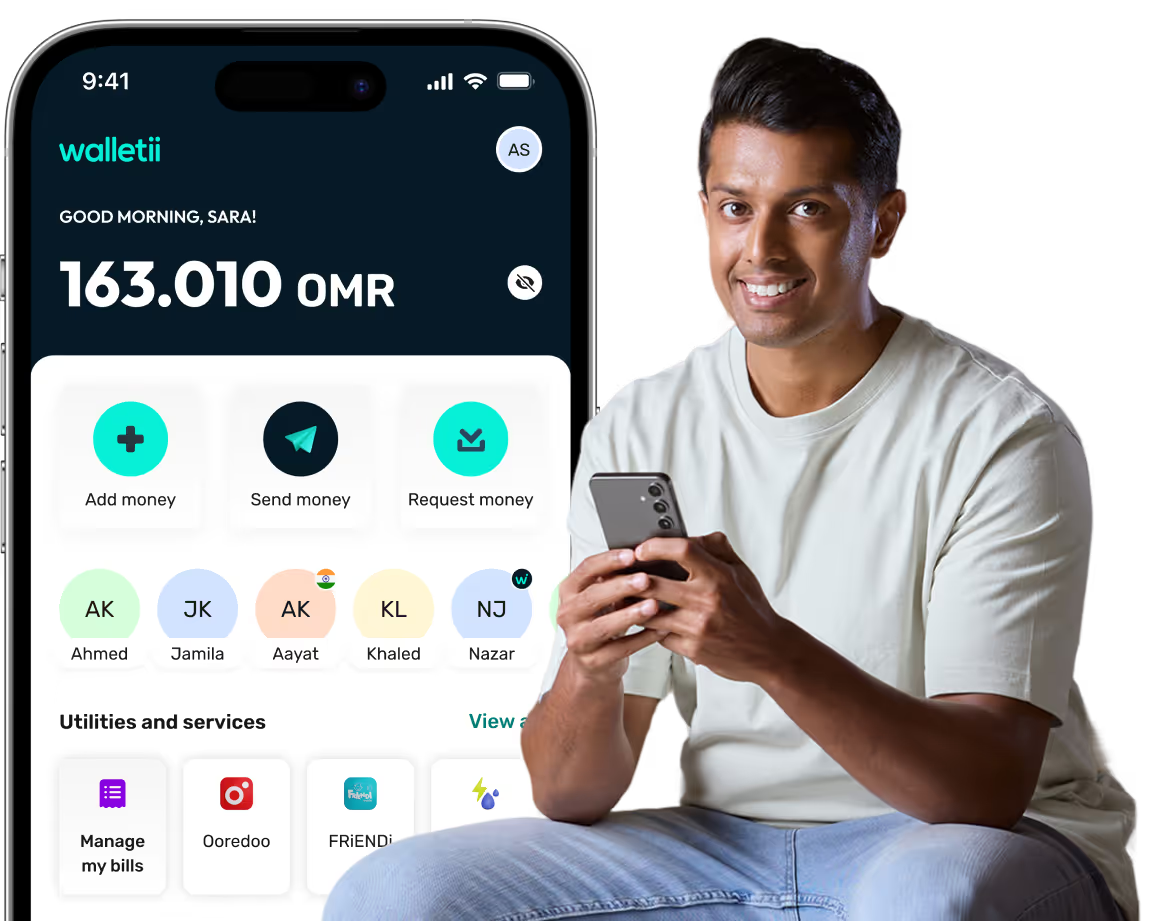
Man smiling and holding a smartphone next to a large phone screen displaying a Walletii app with balance, money transfer options, contacts, and utilities services.Smiling man holding a smartphone sitting next to a large display of a Walletii app screen showing balance, money transfer options, contacts, and utilities.