

اللغة


Forget scanning—just tap the link and go straight to payment.
Walletii is licensed by the Central Bank of Oman
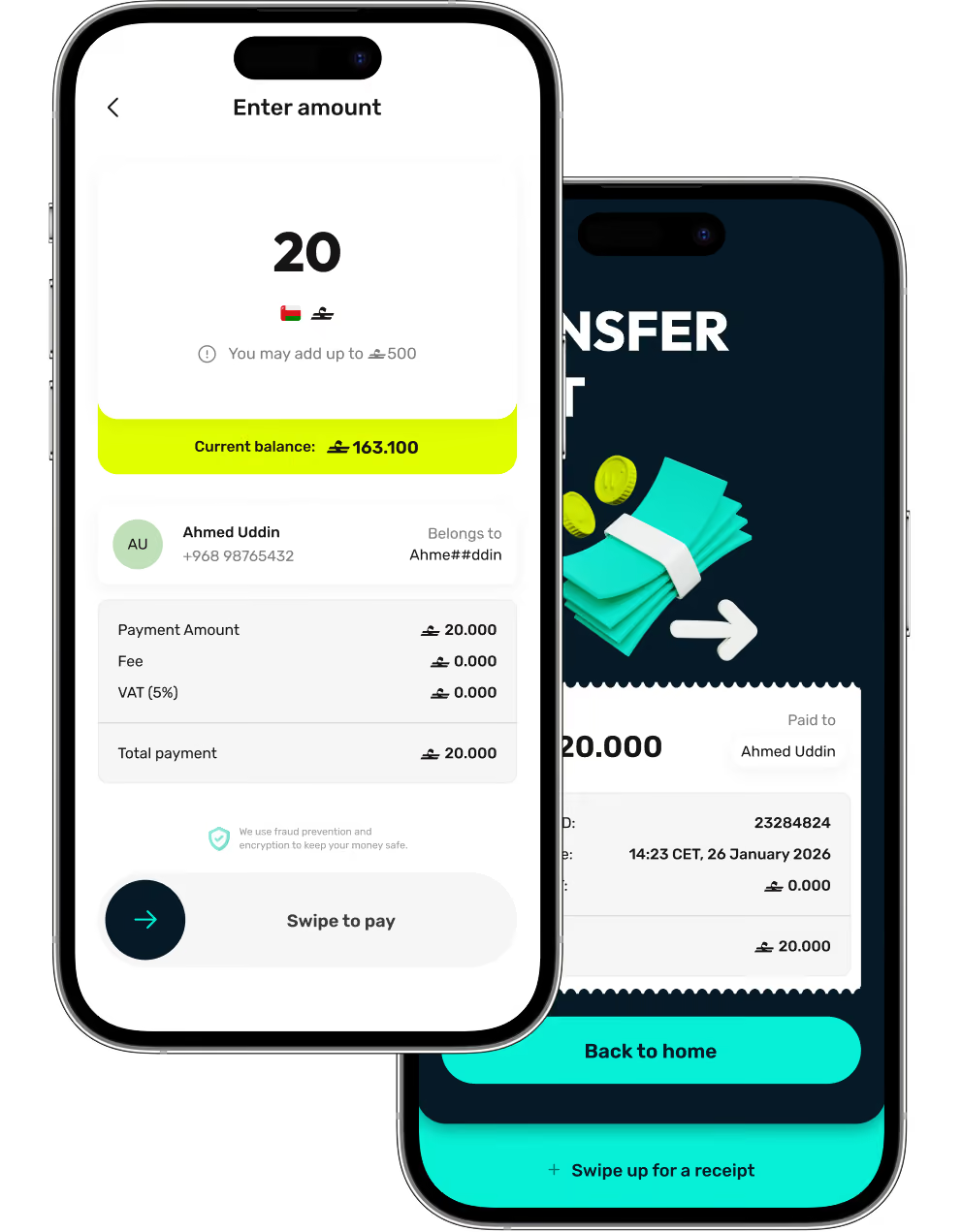
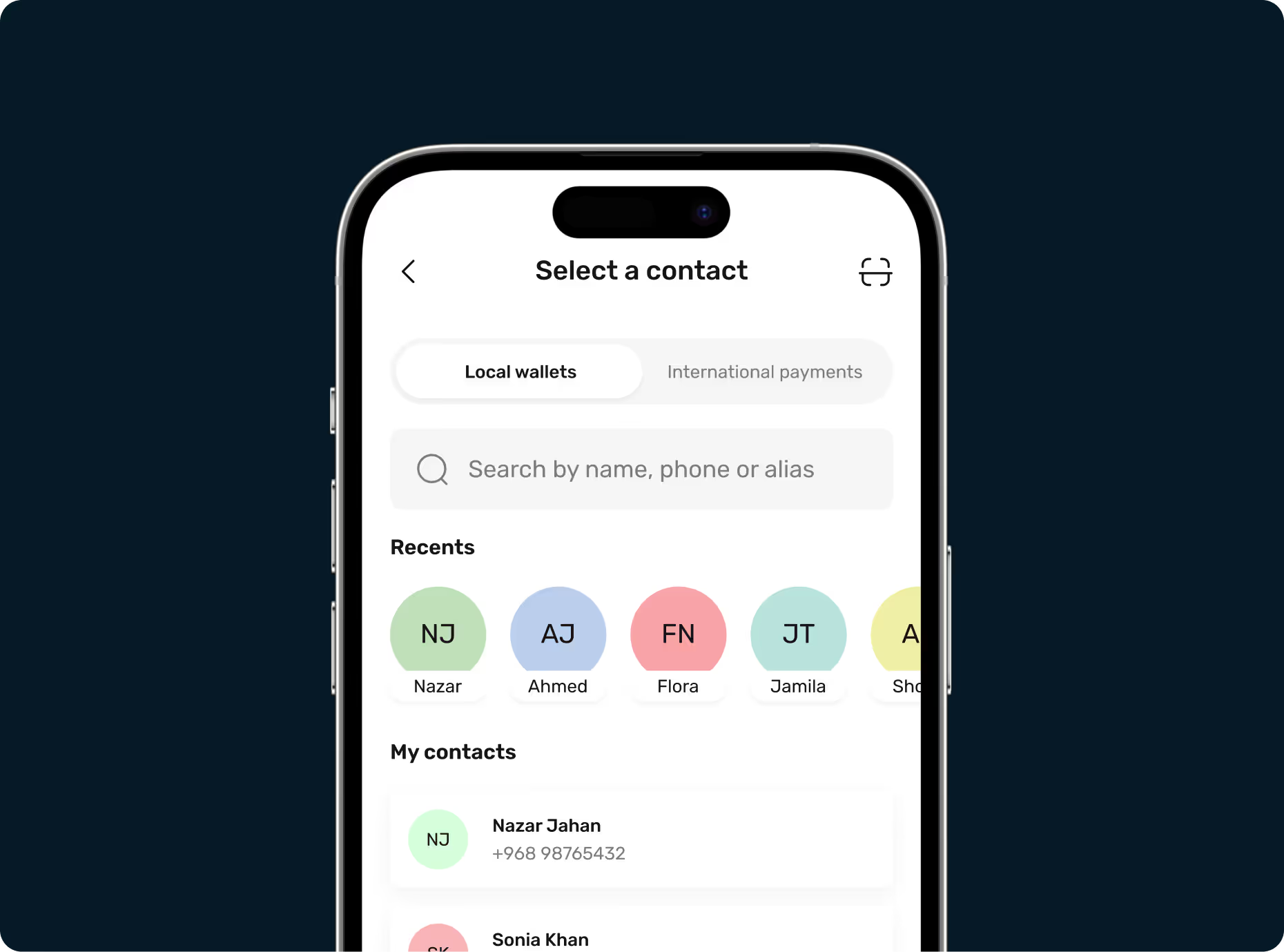
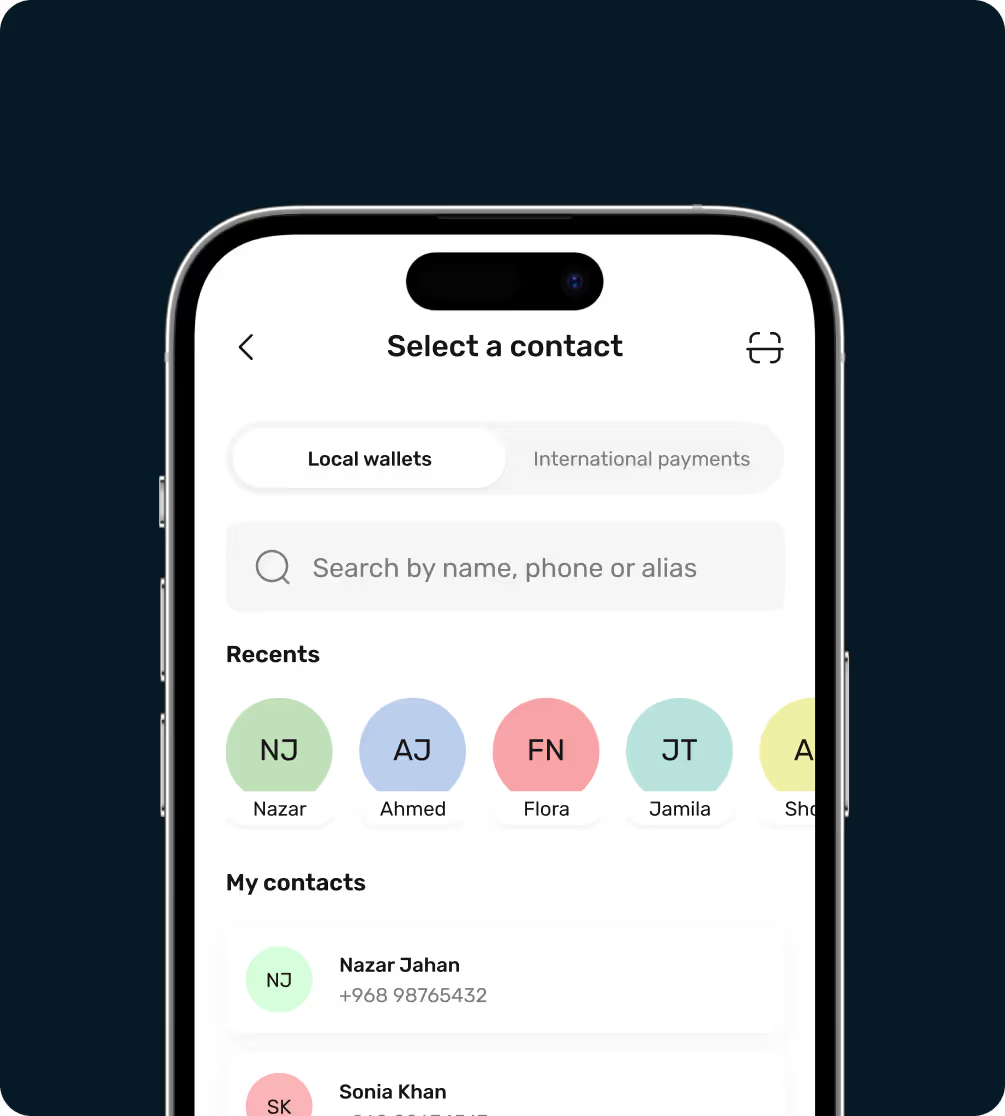
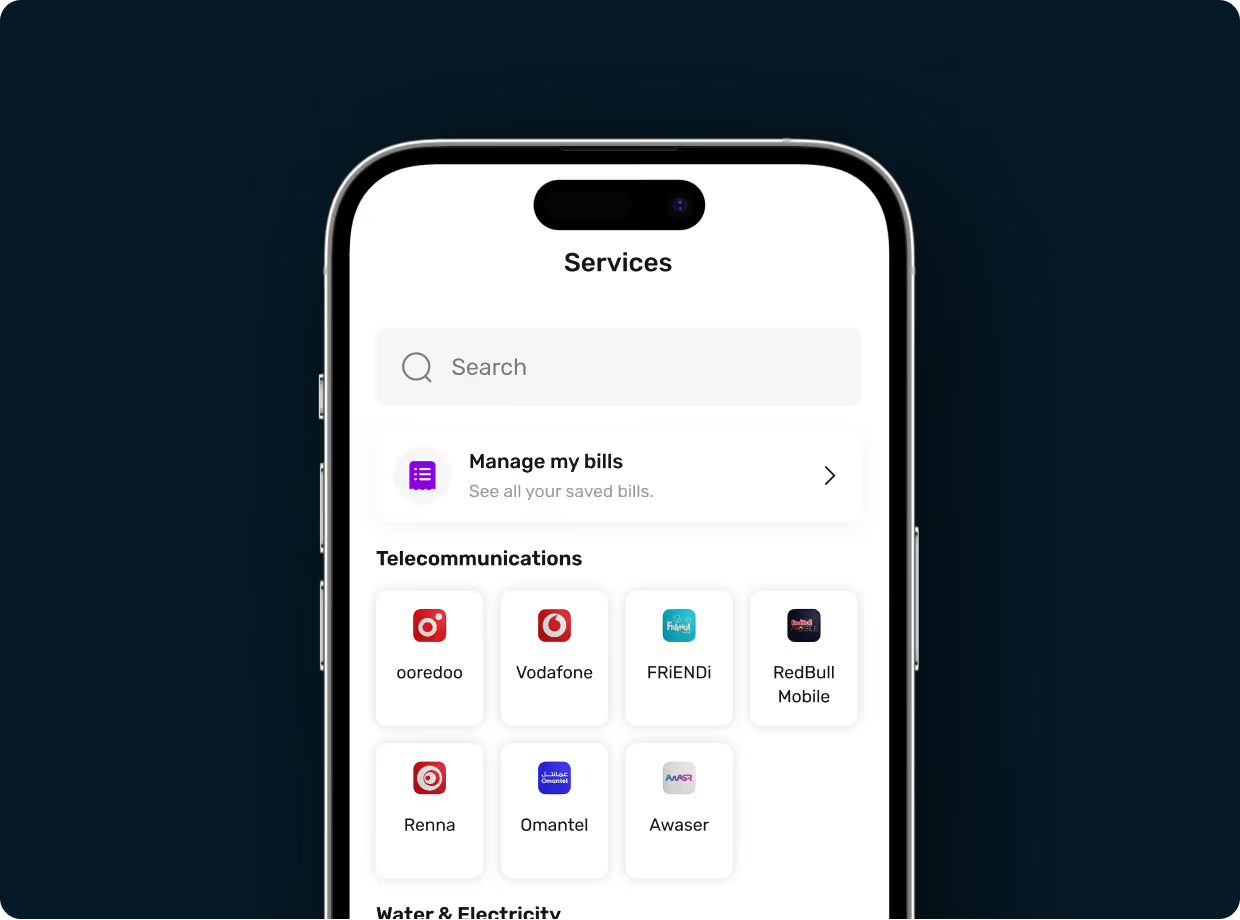
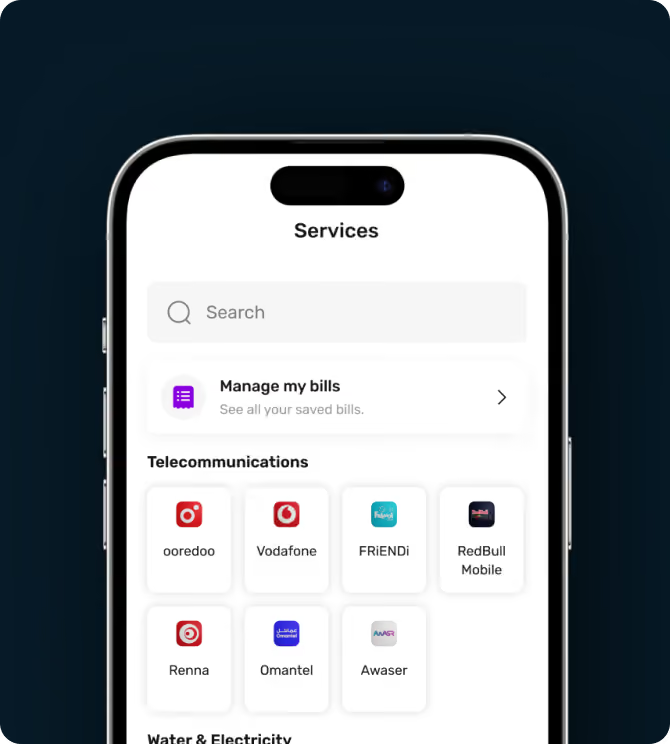
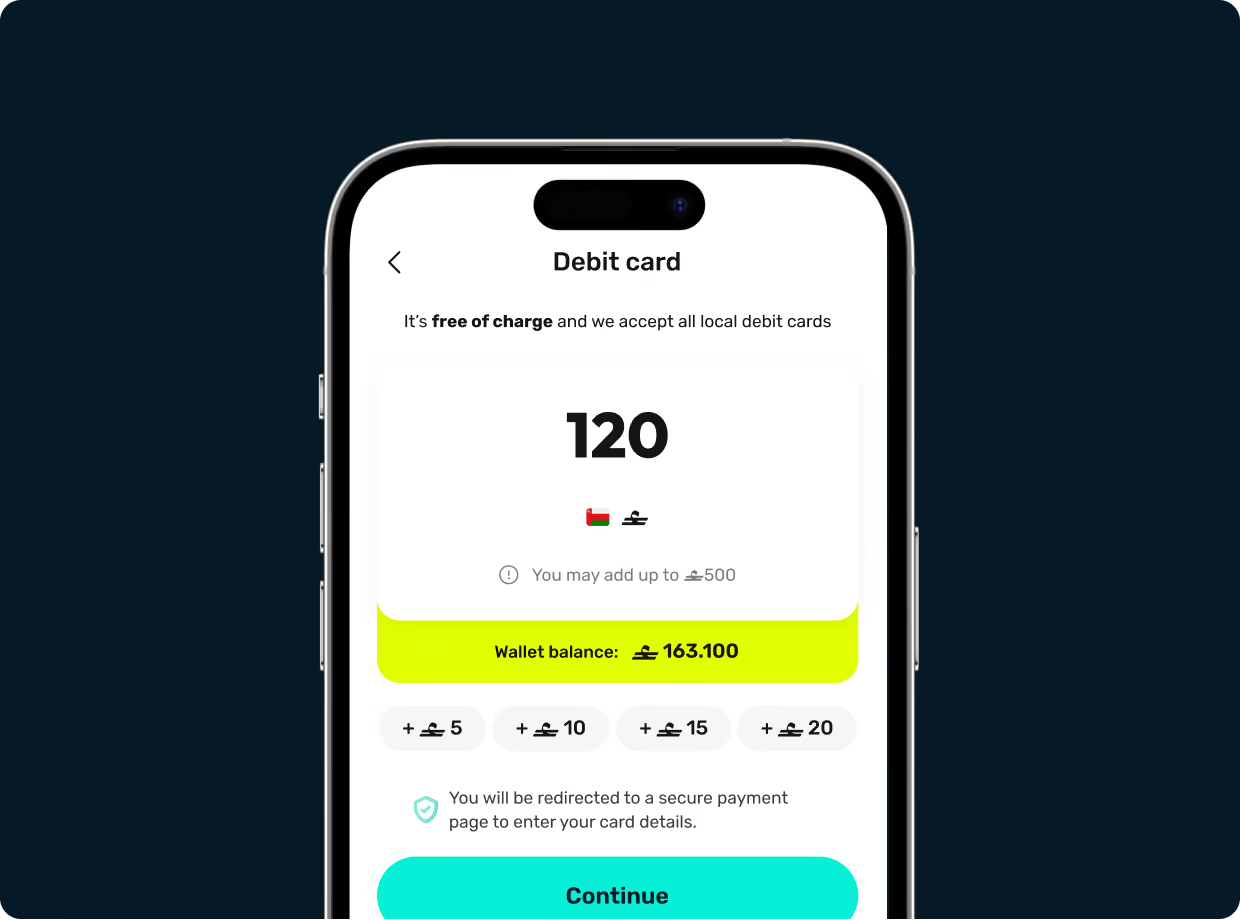
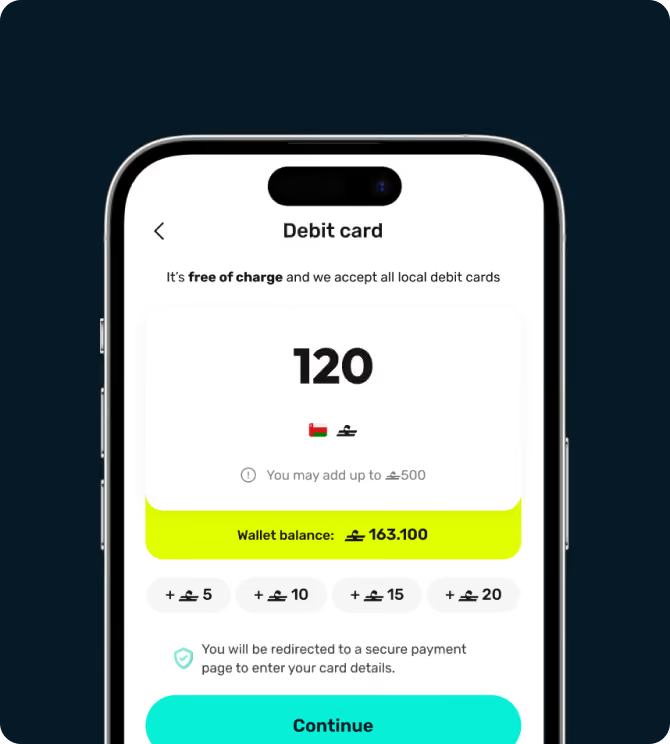




Download the walletii app, and it will guide you through the sign-up process. We have to verify your identity before you can send or receive money. You’ll be asked to take a selfie and scan your ID, so have this at hand.
You can request money to ask someone to pay you. Tap ‘Request money’ and enter the amount you want to request. Then, tap ‘Share request’ and either select a previously saved contact to send the request to, or tap ‘Share’ to send a QR code with the request through other apps. This QR code can be scanned by walletii ‘Scan and pay’ feature or by other local wallets.
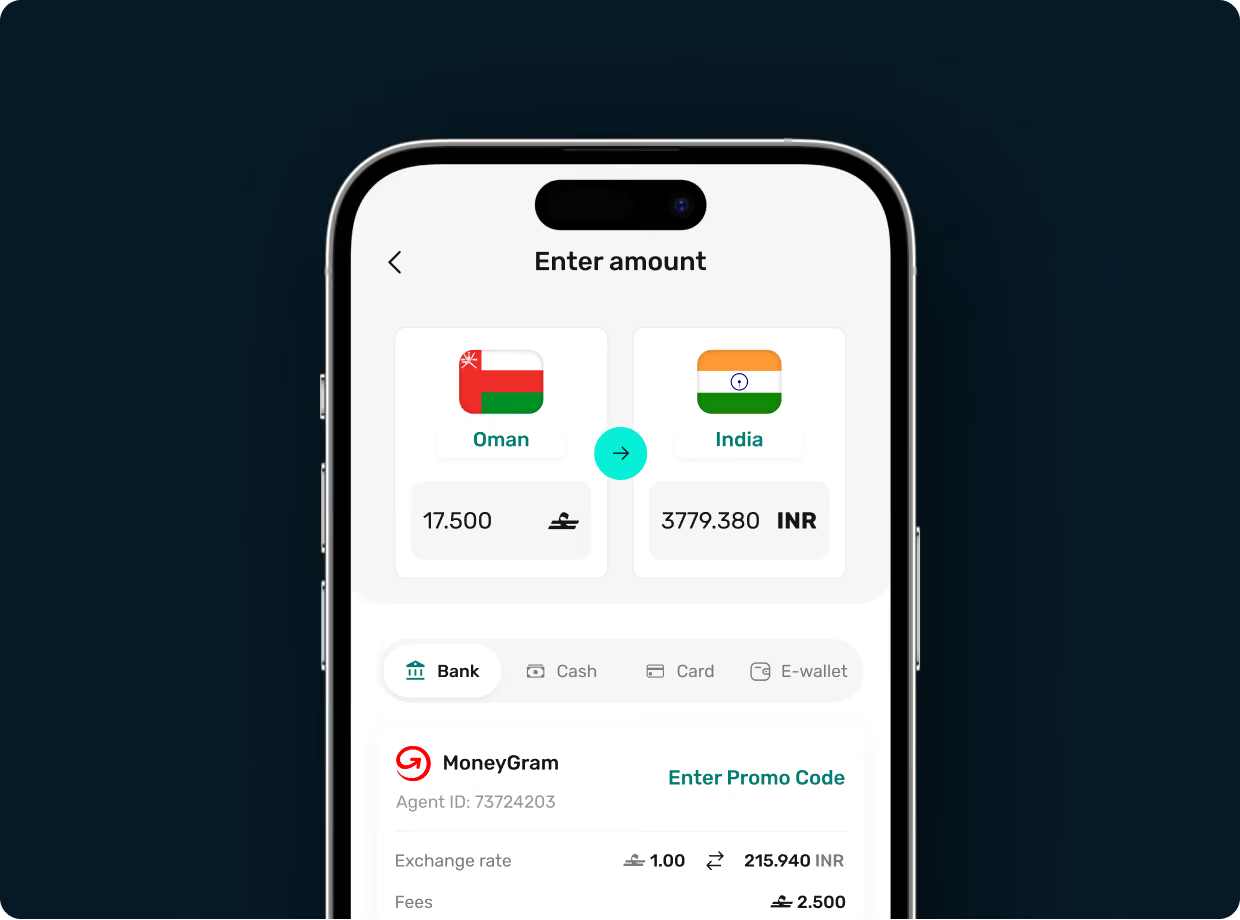
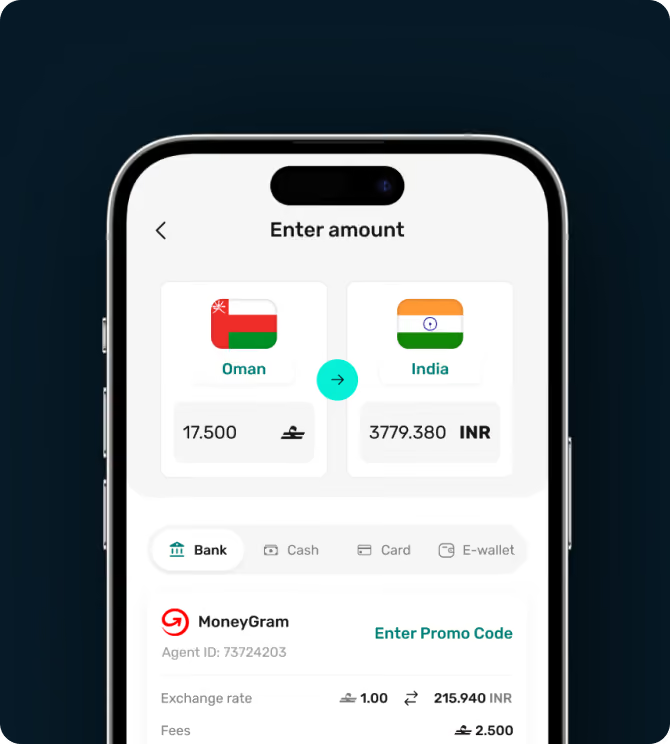
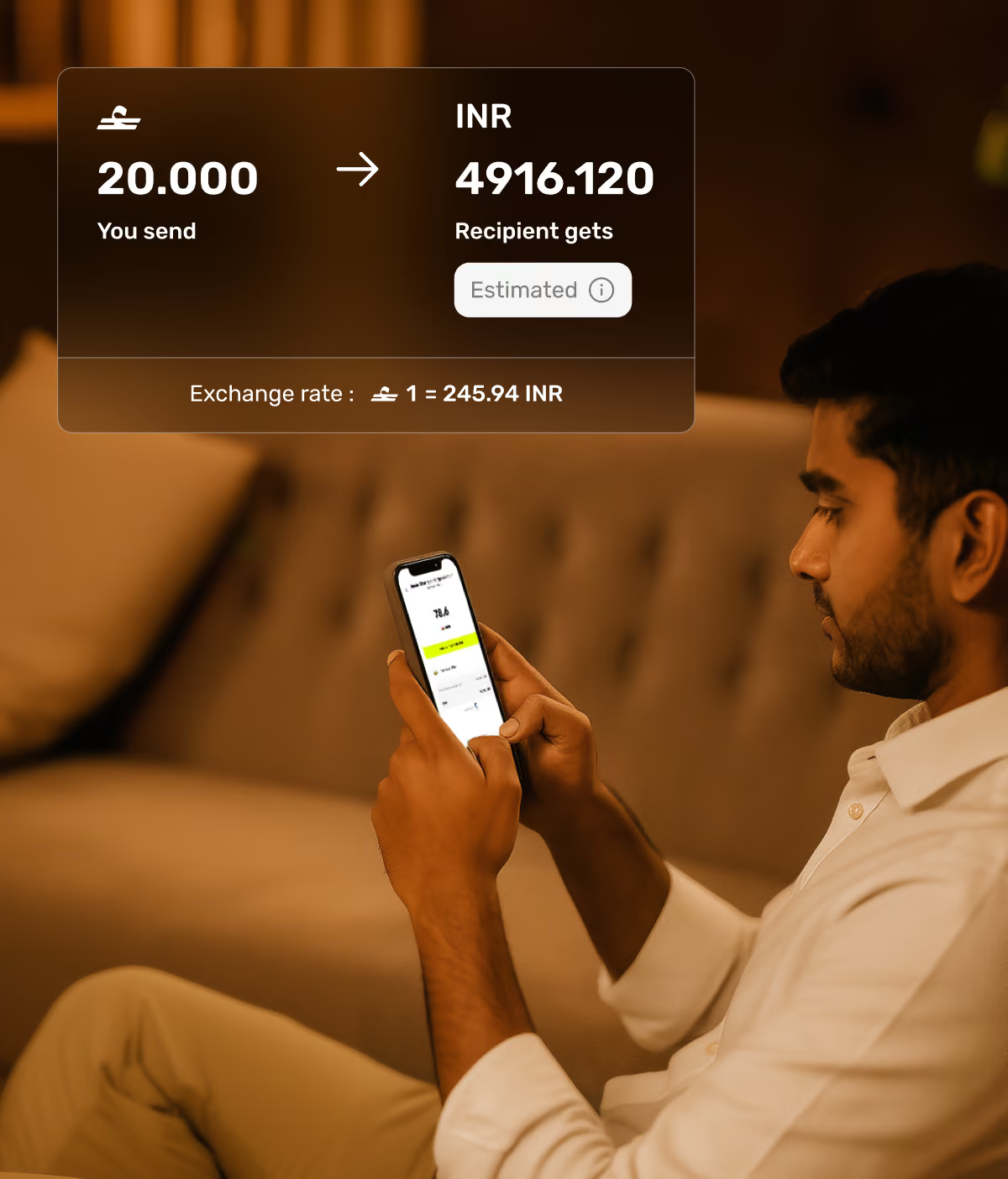
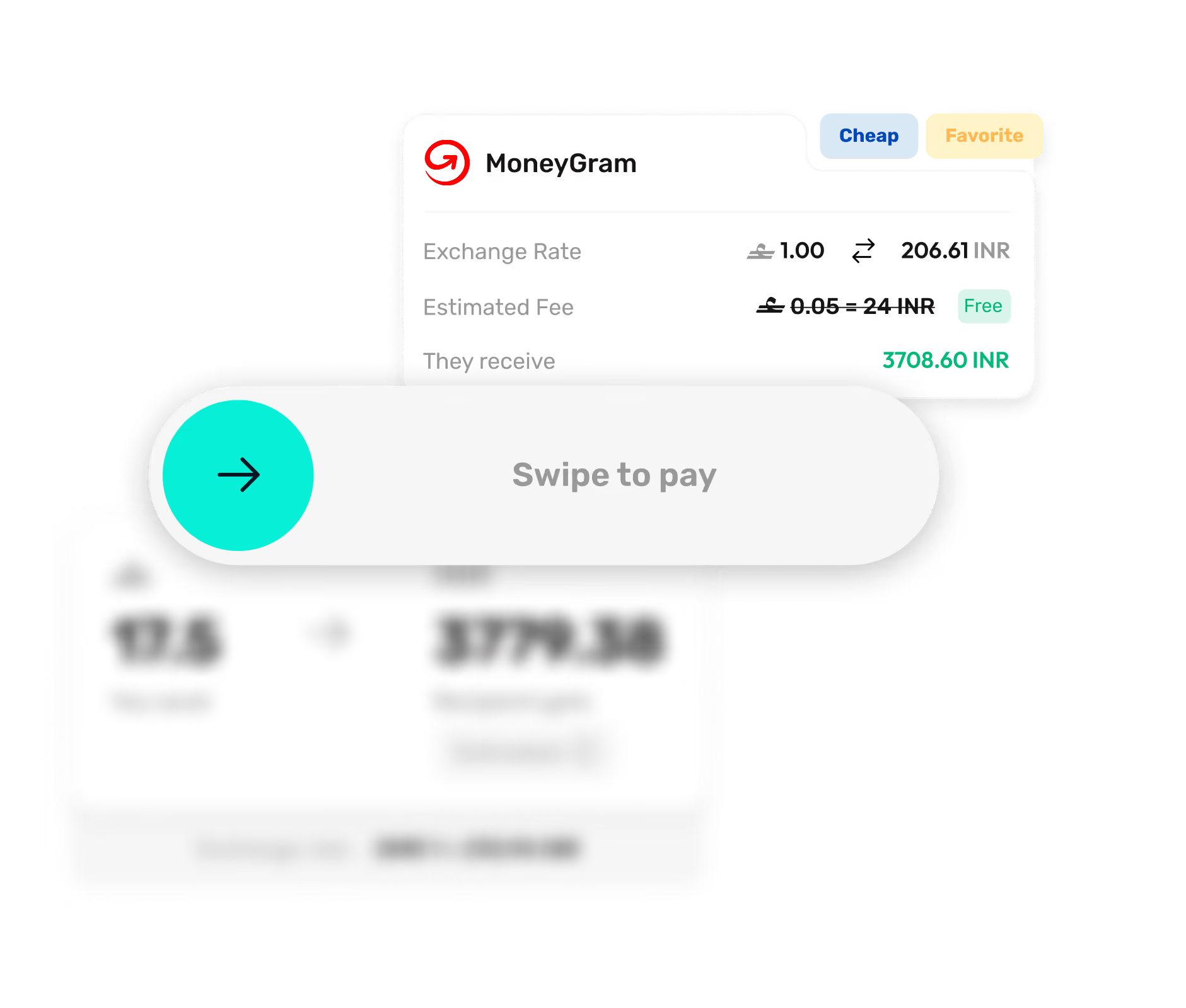
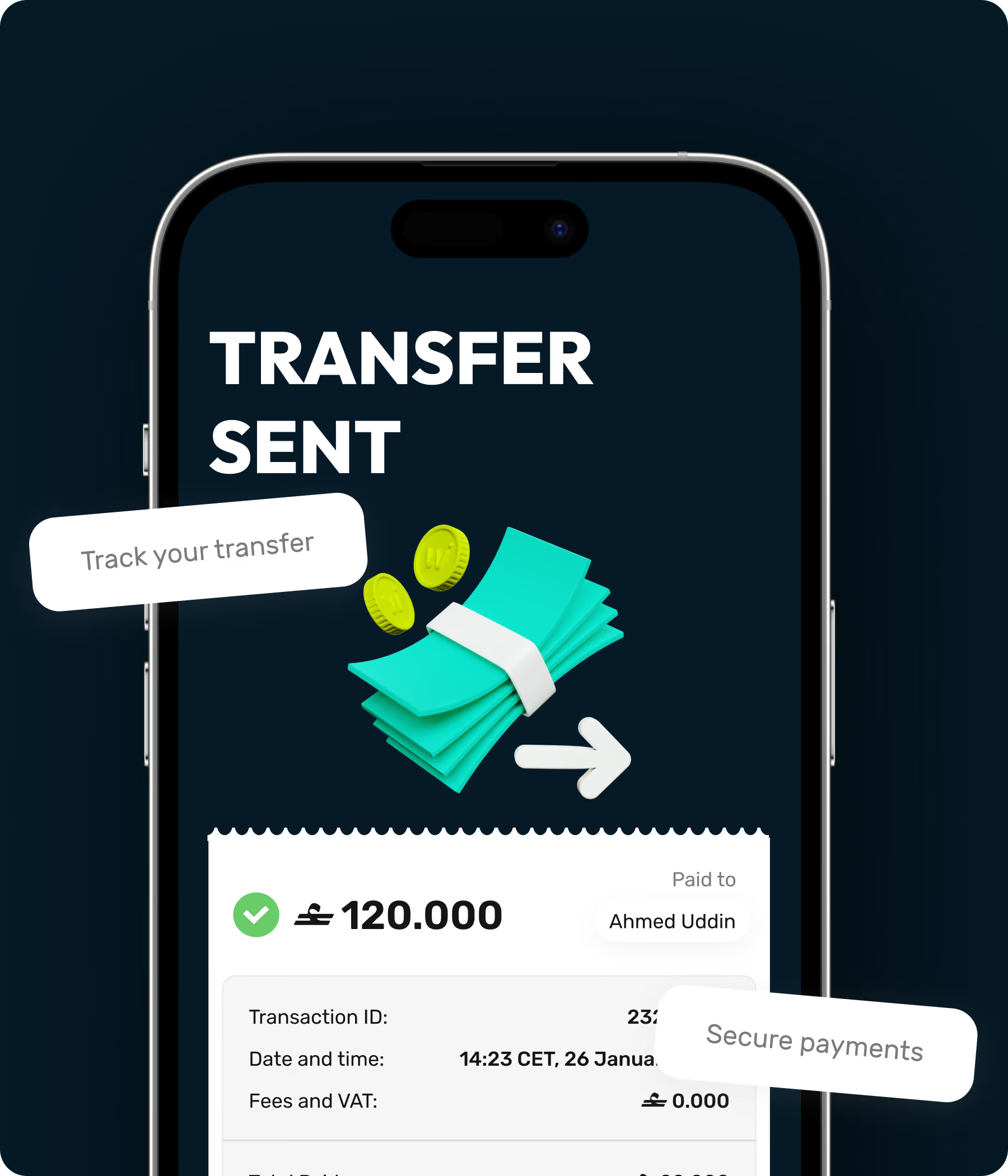
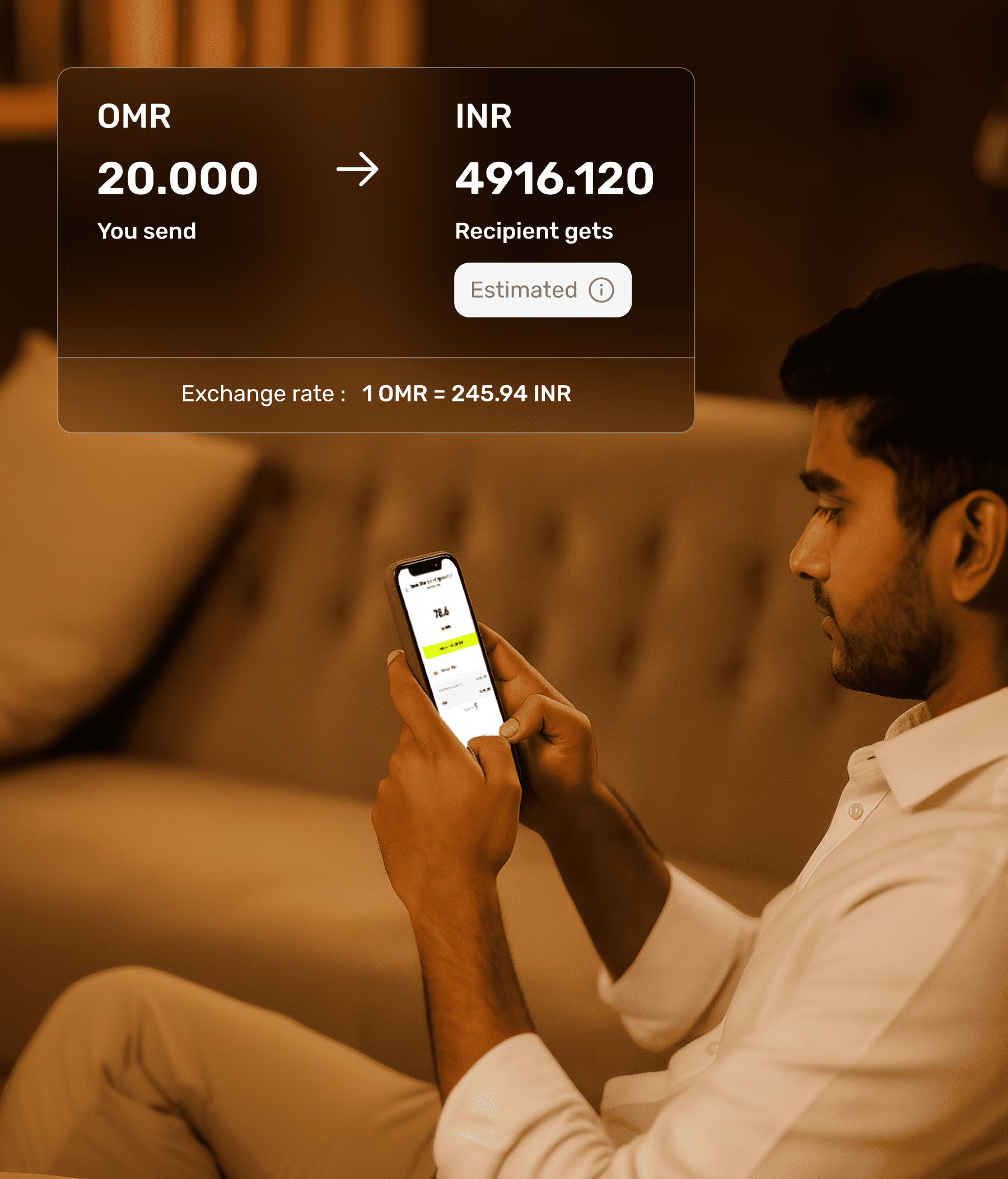
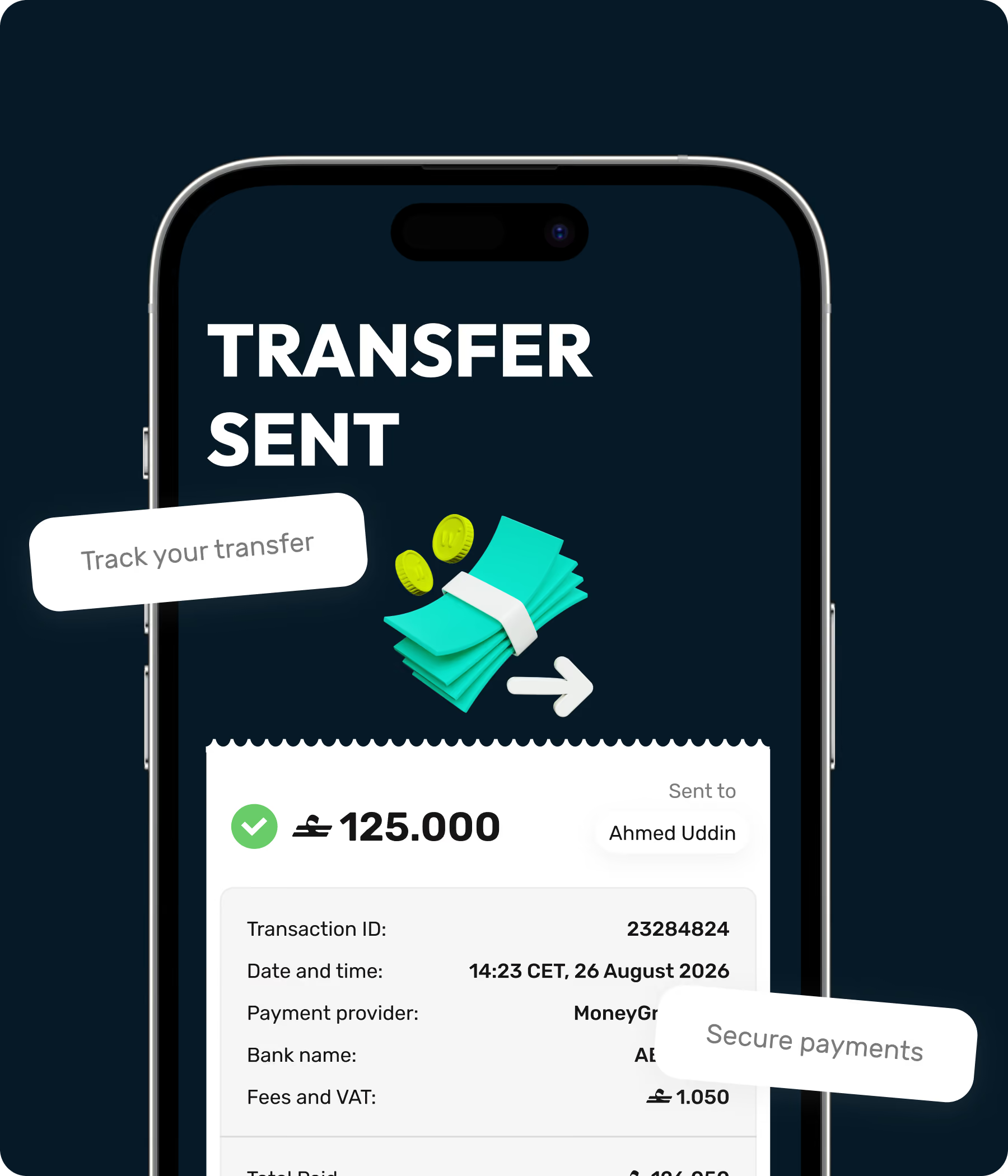
There are no fees for sending money from walletii to other wallets and bank accounts in Oman. There may be a fee for sending money to another country — this depends on the country you’re sending money to, the provider you’ve chosen, and the delivery option. You may also have to pay VAT on the payment. We’ll always let you know, clearly in the app, what the exchange rate is, and if you’ll be charged a fee for your payment. You can check out our complete fee guide here.


